TL;DR
Google uses specific meta tags to understand and control how it crawls and indexes web pages. The <meta name="robots" ...> tag is critical for giving instructions like noindex or nofollow. While Google uses the <meta name="description" ...> tag for generating search result snippets, it does not use it as a direct ranking factor. Crucially, Google has completely ignored the <meta name="keywords" ...> tag for web ranking since 2009 due to widespread abuse.
Understanding Meta Tags: The Foundation for Google Search
Meta tags are snippets of text that describe a page's content; they don't appear on the page itself, but only in the page's code. These tags are essentially metadata placed within the <head> section of an HTML document. Their primary purpose is to provide structured information about a webpage to browsers, search engines, and other web services. While invisible to the average visitor, they are a fundamental part of technical search engine optimization (SEO).
According to documentation from sources like W3Schools, meta tags serve various functions, from defining the character set (UTF-8) to specifying the author. For SEO, their most important role is communicating with search engine crawlers, like Googlebot. They provide directives that can influence how a page is indexed and how it is presented in search results.
A typical meta tag is simple in structure. For example, a meta description tag looks like this in the HTML code:
<meta name="description" content="This is a concise summary of the webpage's content.">
This tag suggests the text that search engines might use for the descriptive snippet shown below the title in search results. Understanding where these tags go and what they do is the first step in leveraging them correctly for Google Search.
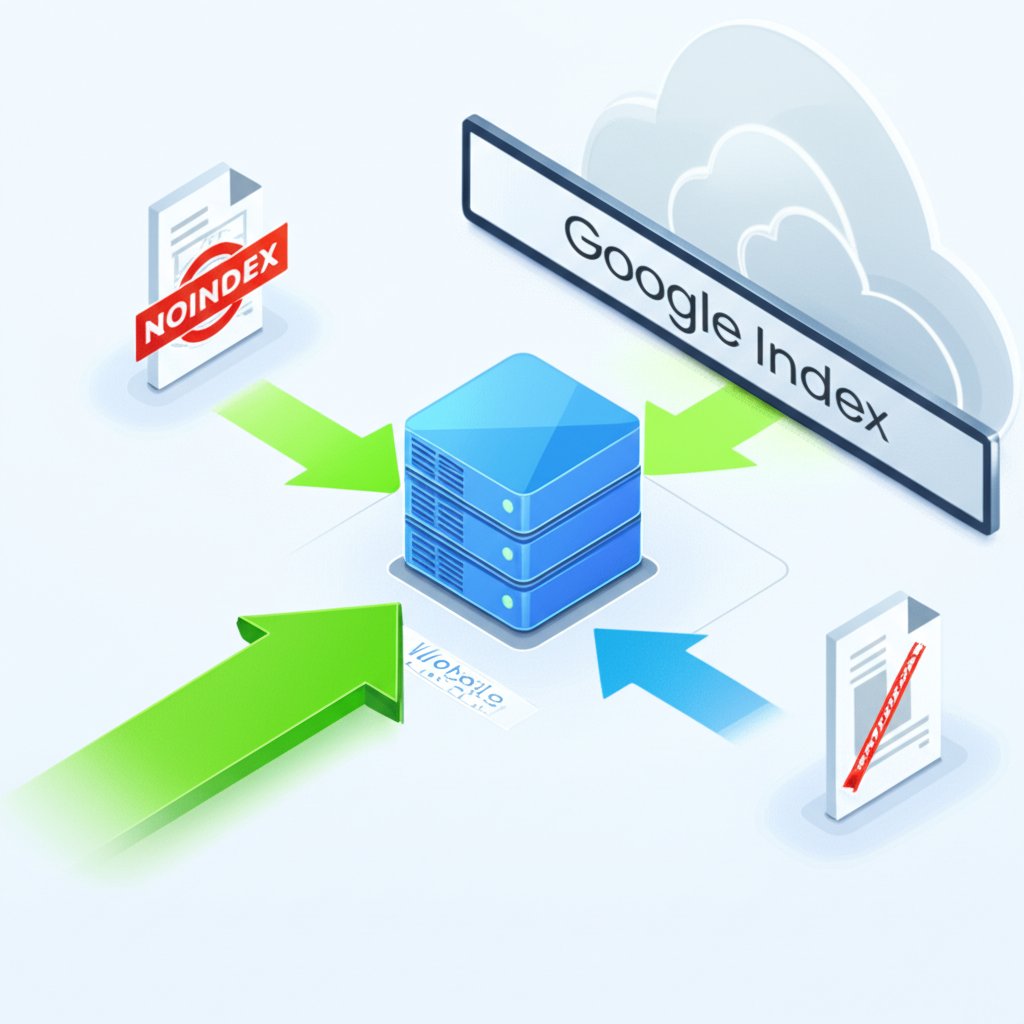
The Official List: Meta Tags and Attributes Google Supports
Google does not support all meta tags, but it relies on a specific set to manage crawling and indexing behavior. According to Google's official documentation, focusing on these supported tags is essential for effective technical SEO. Trying to use unsupported tags is ineffective and wastes time that could be better spent on creating valuable content.
The most critical tags are those that provide direct instructions to Googlebot. The robots and googlebot meta tags are the most powerful in this regard, allowing site owners to prevent pages from being indexed, stop crawlers from following links, and more. Other tags help with site verification, prevent content translation, and ensure the page renders correctly on mobile devices.
Here is a summary of the most important meta tags and attributes that Google officially supports:
| Meta Tag / Attribute | Purpose | Common Use Case Example |
|---|---|---|
<meta name="robots" content="..."> |
Provides crawling and indexing instructions to all search engines. | <meta name="robots" content="noindex, nofollow"> (Prevents indexing and link following) |
<meta name="googlebot" content="..."> |
Provides crawling and indexing instructions specifically to Google. | <meta name="googlebot" content="nosnippet"> (Prevents a snippet from being shown in results) |
<meta name="description" content="..."> |
A brief summary of the page's content, used for search snippets. | <meta name="description" content="Learn about the meta tags Google supports for SEO."> |
<meta name="google-site-verification" content="..."> |
Verifies site ownership in Google Search Console. | <meta name="google-site-verification" content="your_verification_string"> |
<meta name="googlebot" content="notranslate"> |
Prevents Google from offering a translation of the page in search results. | Used for pages where the original language is essential for context. |
<meta name="viewport" content="..."> |
Controls how a webpage is displayed on mobile devices. | <meta name="viewport" content="width=device-width, initial-scale=1.0"> |
It's important to use these tags precisely as intended. For instance, using noindex is a powerful tool for keeping thin-content pages, such as internal search results or temporary landing pages, out of Google's index. This can help ensure that Google prioritizes crawling and ranking your most valuable content.
Debunking the Myths: Meta Tags Google Actively Ignores
One of the most persistent myths in SEO is the importance of the keywords meta tag. For years, webmasters meticulously stuffed this tag with comma-separated keywords, believing it was a key to higher rankings. However, this practice has been obsolete for over a decade. In a landmark 2009 blog post, Google officially announced that it does not use the keywords meta tag in its web search ranking algorithm.
The reason for this change was simple: the tag was too easy to abuse. Website owners would fill it with irrelevant or excessive keywords in an attempt to manipulate search results, a practice known as keyword stuffing. This degraded the quality of search results, leading Google and other major search engines to disregard it completely. Continuing to use the keywords meta tag today has no positive effect on your Google ranking.
Another area of confusion is the description meta tag. While Google absolutely uses this tag, it's crucial to understand that it is not a direct ranking factor. Its content does not directly influence your page's position in search results. Instead, its primary value lies in influencing the click-through rate (CTR). A compelling, relevant meta description can entice a user to click on your result over a competitor's. However, Google reserves the right to ignore your suggested description and generate its own snippet from your page's content if it believes that snippet is more relevant to the user's specific query.
Modern Best Practices for Meta Tag Optimization
In modern SEO, the strategy for meta tags is not about tricking algorithms but about providing clarity for both search engines and users. The focus should be on the tags that deliver tangible benefits: Title Tags, Meta Descriptions, and Robots Tags.
First, while not technically a meta tag, the Title Tag (<title>) is the single most important on-page HTML element for SEO. It should be unique for every page, concisely describe the page's content, and naturally include the primary target keyword, preferably near the beginning.
Second, the Meta Description requires a focus on user experience. A good description acts as ad copy for your webpage. It should be compelling, accurate, and relevant to the content. Here are some examples:
- Bad:
<meta name="description" content="meta tags, seo tags, google tags, keywords, description"> - Good:
<meta name="description" content="Discover which meta tags Google supports for SEO and learn how to optimize them for better crawling, indexing, and click-through rates.">
Writing engaging and optimized descriptions can be a time-consuming part of content creation. For marketers looking to scale their efforts efficiently, AI-powered tools can be a significant asset. For instance, platforms like BlogSpark, an AI blog post generator, can help craft not only full articles but also the essential metadata like titles and descriptions that align with SEO best practices. You can learn more about how to streamline your workflow by visiting https://blogspark.ai/.
Finally, use the Robots Tag strategically. Conduct a content audit to identify pages that shouldn't be in Google's index—such as thank-you pages, internal admin panels, or very thin content pages—and apply a noindex tag. This helps consolidate your site's authority on the pages that truly matter.
Here is a final checklist for auditing your meta tags:
- Title Tags: Every page has a unique, descriptive title under 60 characters.
- Meta Descriptions: Every important page has a unique, compelling description under 155 characters that encourages clicks.
- Robots Tags: The
noindextag is correctly applied to pages you want to exclude from search results. - Keywords Tag: This tag is removed from all pages, as it provides no value for Google.
- Canonical Tags: Use
rel="canonical"on pages with similar content to point to the definitive version.

Frequently Asked Questions About Google and Meta Tags
1. When did Google stop using meta tags?
Google has not stopped using all meta tags. It stopped using the keywords meta tag for web ranking in 2009. However, it continues to use other meta tags, such as the description, robots, and viewport tags, to understand and control how pages are indexed and displayed.
2. What is an example of a meta tag?
A common example is the meta description tag, which provides a summary of a page's content. The HTML code for it looks like this: <meta name="description" content="This is a brief and informative summary of the webpage.">. Another example is the robots meta tag: <meta name="robots" content="noindex">, which tells search engines not to include the page in their index.
3. Why does Google ignore my meta description?
Google may choose to ignore your specified meta description and generate its own for several reasons. The most common reason is that Google's algorithm believes a different snippet from your page's content is more relevant to a specific user's search query. Other reasons include a description that is too short, too long, or not accurately reflecting the page's content.