TL;DR
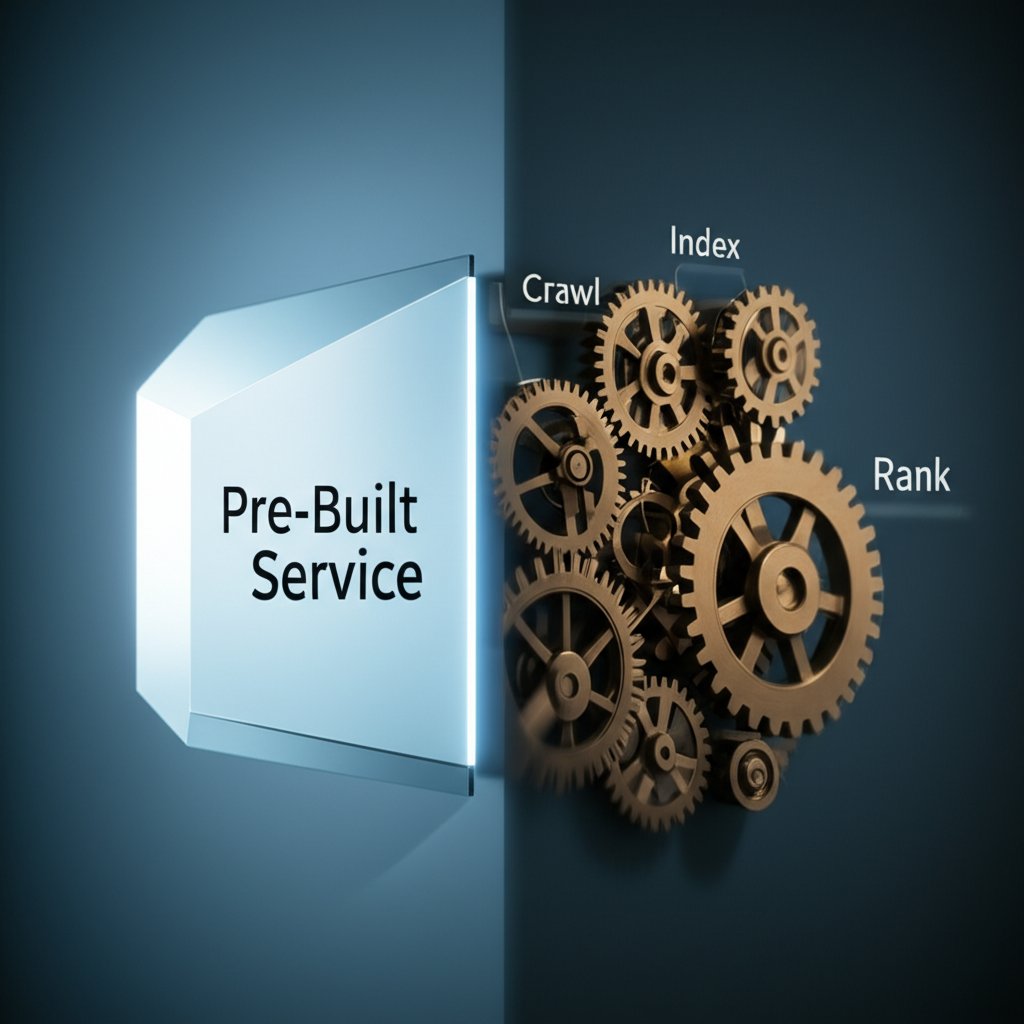
To build a search engine for your website, you have two primary options. The simplest path is to use a pre-built tool like Google Programmable Search Engine, which allows you to add a powerful, customizable search box to your site with minimal effort. The more advanced path is building a custom engine from scratch, a process that involves three core stages: crawling your site to gather data, indexing that data for efficient retrieval, and developing a ranking algorithm to display the most relevant results.
Choosing Your Path: Pre-built Service vs. Custom Engine
Before writing a single line of code, the most critical decision is choosing the right approach for your project. Your choice between a managed, pre-built service and a custom-built engine will impact your budget, timeline, and the level of control you have over the final product. Understanding the trade-offs is essential for success.
A managed search service, often called a third-party or hosted solution, provides a ready-made infrastructure for website search. The most prominent example is Google's Programmable Search Engine, which leverages Google's core technology to deliver fast, relevant results. You simply configure which sites you want to include, customize the look and feel, and embed a snippet of code on your website. This path is designed for speed and simplicity, making it ideal for individuals and businesses without a dedicated development team.
On the other hand, building a custom search engine is a significant software development project. This approach gives you complete control over every aspect of the search experience, from how content is collected to the specific factors that determine result ranking. As detailed in guides by experts at Elastic and Anvil, the process involves developing a web crawler to gather your site's content, designing a database and index to store and organize that information efficiently, and implementing a query engine that processes user searches and ranks results for relevance. This path is suited for large-scale applications with unique requirements, such as e-commerce sites needing to filter by product attributes or platforms requiring specialized ranking logic.
| Factor | Pre-built Service (e.g., Google) | Custom-Built Engine |
|---|---|---|
| Setup Time | Minutes to hours | Weeks to months |
| Cost | Free (with ads) or low-cost for ad-free | Significant development and infrastructure costs |
| Customization | Limited to look, feel, and sites included | Fully customizable ranking, filtering, and UI |
| Maintenance | Handled by the provider | Ongoing developer maintenance required |
| Technical Skill Required | Low (basic HTML) | High (programming, database management, infrastructure) |
To decide which path is right for you, ask yourself these questions:
- What is my budget and timeline? If you need a solution quickly and have a limited budget, a pre-built service is the clear winner.
- How much control do I need? If you need to rank results based on unique business logic or integrate deeply with other systems, a custom build is necessary.
- What technical resources do I have? Building from scratch is a complex task requiring experienced developers. If you don't have this expertise in-house, a managed service is the more practical choice.
The Quick-Start Guide: Implementing Google Programmable Search Engine
For those seeking a fast, reliable, and straightforward solution, Google Programmable Search Engine is an excellent choice. It allows you to embed a search box on your site that is powered by Google's trusted technology, without the complexity of building your own infrastructure. The setup process is designed to be accessible to everyone, regardless of technical skill level.
The entire process can be completed in just a few steps through a user-friendly control panel. According to Google's official documentation, you begin by providing some basic information and then configure the engine to meet your specific needs. You have control over whether the engine searches only your specified websites or the entire web, and you can enable features like image search and SafeSearch to tailor the experience for your audience.
Here is a step-by-step guide to getting it running on your site:
- Name Your Search Engine: In the control panel, the first step is to give your search engine a descriptive name for your own reference.
- Choose What to Search: This is the core configuration. You can add one or more specific websites (like your own blog or company site) to limit the search scope, or you can configure it to search the entire web.
- Configure Search Settings: You can choose to enable or disable both Image Search and Google's SafeSearch filter to ensure the results are appropriate for your users.
- Create and Get the Code: After confirming your settings, Google will generate a small JavaScript code snippet. You simply copy this code and paste it into the HTML of your website where you want the search box to appear.
The primary advantage of this approach is its efficiency. You get a high-quality search function running in minutes. The free version is supported by ads, but Google also offers a low-cost, ad-free experience for a more professional look. While you give up the deep customization of a from-scratch build, you gain the reliability and power of Google's search technology with virtually no maintenance overhead.
Building From Scratch: The Core Components of a Search Engine
For developers who require full control and custom functionality, building a search engine from the ground up is a rewarding challenge. This process can be broken down into four fundamental components: crawling, indexing, query processing, and ranking. Understanding each stage is key to architecting a robust and effective search system.
The first component is the Web Crawler (also known as a spider or bot). Its job is to systematically visit web pages to gather data. As explained in a detailed tutorial by Anvil, a crawler typically starts with a list of initial 'seed' URLs. It downloads the content of each page, parses the HTML to extract text and metadata, and identifies all the links to other pages. These newly discovered links are then added to the queue to be crawled, allowing the bot to discover the content across your entire site.
Once data is collected, it must be organized in an Index. An index is a specialized data structure designed for fast lookups. Instead of scanning every document for a search term, the engine consults the index. As described by Elastic, this process involves breaking down content into its constituent parts, such as keywords, titles, and other metadata. For a simple implementation, you might create an inverted index, which maps keywords to a list of documents that contain them. This makes finding all documents related to a query incredibly efficient.
Next is Query Processing. When a user types a search term, the engine must parse and understand this query. This often involves steps like converting the query to lowercase, removing common 'stop words' (like 'a', 'the', 'in') that add little semantic value, and applying 'stemming' to reduce words to their root form (e.g., 'running' becomes 'run'). This ensures that a search for 'building an app' can match content containing 'build application'. A simple JavaScript example on Medium illustrates this basic logic by filtering a predefined list of documents based on whether they include the query string.
Finally, the most complex component is Ranking. It’s not enough to just find documents that match a query; a great search engine presents them in order of relevance. Simple ranking algorithms might prioritize results based on term frequency (how often the keyword appears). More advanced systems use sophisticated algorithms like Google's original PageRank, which considers the number and quality of links pointing to a page, or modern vector search techniques that understand the semantic meaning behind a query.
The high-level lifecycle for such a project involves:
- Define Scope: Determine what content to index and what features are needed.
- Set up a Web Crawler: Build or implement a bot to fetch site data.
- Design an Index Schema: Plan the database structure for storing and retrieving content.
- Implement a Query Parser: Develop the logic to handle and normalize user input.
- Develop a Ranking Algorithm: Create the rules that determine the order of results.
Optimizing Search Relevance and User Experience
Launching a search engine is just the beginning. The true measure of its success lies in its ability to consistently deliver relevant results and provide a seamless user experience. Continuous optimization is crucial for making your search function a truly valuable asset for your visitors. This involves refining your ranking algorithms and enhancing the search interface.
Improving search relevance is a multifaceted task. According to experts at Elastic, modern search relies on a combination of techniques. This can include traditional keyword matching, but also more advanced methods like vector search, which uses machine learning to understand the contextual meaning of a query, not just the words themselves. Hybrid search combines these methods to get the best of both worlds. You can also implement relevance scoring, where you assign weights to different factors—for example, giving more importance to a keyword found in a page title than one in the body text.
Ensuring your site has high-quality, relevant content is also fundamental to good search results. For marketers and creators looking to scale their content production, AI-powered platforms like BlogSpark can help generate engaging, SEO-optimized articles, ensuring your search engine has valuable material to index from the start.
The user interface (UI) where results are displayed—the Search Engine Results Page (SERP)—is just as important as the underlying algorithm. A well-designed SERP helps users quickly find what they need. Key features that enhance the search experience include:
- Autocomplete: Suggesting queries as the user types helps them formulate searches faster and reduces typos.
- Filtering and Faceting: Allowing users to narrow down results by category, date, price, or other attributes is essential, especially for large content libraries or e-commerce sites.
- Pagination: Breaking results into multiple pages makes large sets of results manageable.
- Highlighted Snippets: Displaying a short excerpt from each result with the search terms bolded helps users preview the content and judge its relevance at a glance.
To guide your long-term strategy, a post-launch optimization checklist is invaluable. Regularly performing these tasks will help you understand user behavior and continually improve your engine:
- Monitor Top Queries: Analyze what your users are searching for most frequently.
- Identify Queries with No Results: A high number of searches returning zero results indicates a content gap or a problem with your indexing.
- Analyze Click-Through Rates (CTR): Low CTR on top-ranked results may suggest your ranking algorithm is not aligning with user intent.
- A/B Test Algorithm Changes: When you make adjustments to your ranking logic, test them against the old version to ensure they lead to better outcomes.

Frequently Asked Questions
1. How do I make a search engine for my website?
The quickest way is to use a service like Google Programmable Search Engine. You simply sign up, name your engine, specify which websites to include (such as just your own), and copy a piece of code onto your site. For a custom solution, you need to build a system that crawls your pages, indexes the content, and ranks results based on a user's query.
2. Is it difficult to create a search engine?
The difficulty varies dramatically with the approach. Using a pre-built service like Google's is not difficult and requires minimal technical knowledge. However, building a search engine from scratch is a very complex and resource-intensive task. It requires significant expertise in programming, data structures, and server infrastructure, often taking a team of engineers months to build a high-quality system.
3. Can I create my own web browser?
Yes, it is possible to create your own web browser, but this is a different and separate project from creating a website search engine. A web browser is a client application used to access and display websites, while a search engine is a system for indexing and retrieving information from those websites. Both are complex software projects, but they solve different problems.