
TL;DR
To find the most searched keywords on YouTube, creators should use a combination of methods for the best results. Start by exploring YouTube's native Analytics Research tab to see what your current audience is searching for. Next, leverage powerful third-party tools like VidIQ or Semrush for in-depth data on search volume and competition. Finally, use Google Trends, with the filter set specifically to 'YouTube Search,' to identify and capitalize on emerging topics before they become saturated.
Understanding YouTube Keyword Research Fundamentals
YouTube keyword research is the process of discovering the specific words and phrases people use when searching for videos on the platform. Mastering this process is crucial for channel growth because it allows you to create content that directly meets viewer demand. By optimizing your videos with these keywords, you increase their chances of ranking higher in search results, which can lead to more views, better brand awareness, and even traffic to your website. According to an in-depth guide by Semrush, effective keyword research helps you understand what your target audience wants, so you can stop guessing and start creating videos they are actively looking for.
Keywords are generally categorized by their length and specificity, each serving a different strategic purpose. Understanding these types is essential for building a well-rounded content strategy that attracts viewers at different stages of their search journey.
- Short-Tail Keywords: These are broad, one or two-word phrases like "music" or "Minecraft." They have extremely high search volume but are also incredibly competitive. Ranking for these terms is difficult for new channels, as they are often dominated by large, established creators.
- Medium-Tail Keywords: These phrases are more descriptive, such as "how to start a YouTube channel." They strike a balance, offering moderate search volume with less competition than short-tail keywords, making them a strategic target for many creators.
- Long-Tail Keywords: These are highly specific, longer phrases like "Minecraft survival tips for beginners." While they have lower search volume, the viewers using them know exactly what they want. As noted in a vidIQ article, this specificity often leads to higher engagement and conversion rates because the content perfectly matches the user's intent.
Ultimately, the goal is to find the sweet spot between high search volume and manageable competition. Focusing solely on the most searched terms can be a losing battle. Instead, use them as a starting point to uncover related, less competitive long-tail variations. This balanced approach allows you to capture traffic from popular trends while building a loyal audience in your specific niche.
Method 1: Using YouTube's Native Tools for Keyword Insights
Before investing in external software, it's wise to explore the powerful, free tools YouTube provides directly to its creators. These native features offer insights based on actual user behavior on the platform, making them an invaluable starting point for any keyword strategy. The two primary tools at your disposal are the YouTube Analytics Research tab and the search bar's autocomplete feature.
The 'Research' tab within YouTube Analytics is a goldmine of information about your audience's interests. It shows you what your current viewers are searching for, as well as broader search trends across the entire platform. This feature helps you identify topics that are already resonating with your community, ensuring your next video is relevant.
- Navigate to your YouTube Studio and select Analytics from the left-hand menu.
- Click on the Research tab at the top.
- Explore the 'Your viewers' searches' tab. This section lists popular terms your audience has searched for in the last 28 days, ranked by high, medium, or low volume.
- Switch to the 'Searches across YouTube' tab to explore broader topics. You can enter any keyword to see related search terms and their popularity.
- Pay close attention to keywords marked with a 'Content Gap' tag. As highlighted by Semrush, this label indicates that viewers are searching for these terms but are not finding enough quality results. Creating content to fill these gaps can be a highly effective growth strategy.
The second native tool is YouTube's search bar autocomplete. This simple yet effective feature suggests popular search queries as you type. These suggestions are based on what millions of users are actively searching for, making them a real-time indicator of trending topics. To use it, simply go to the YouTube search bar and start typing a word or phrase related to your niche. Note the suggestions that appear in the dropdown menu. These autocompleted phrases are often excellent medium-tail and long-tail keywords to target in your videos.
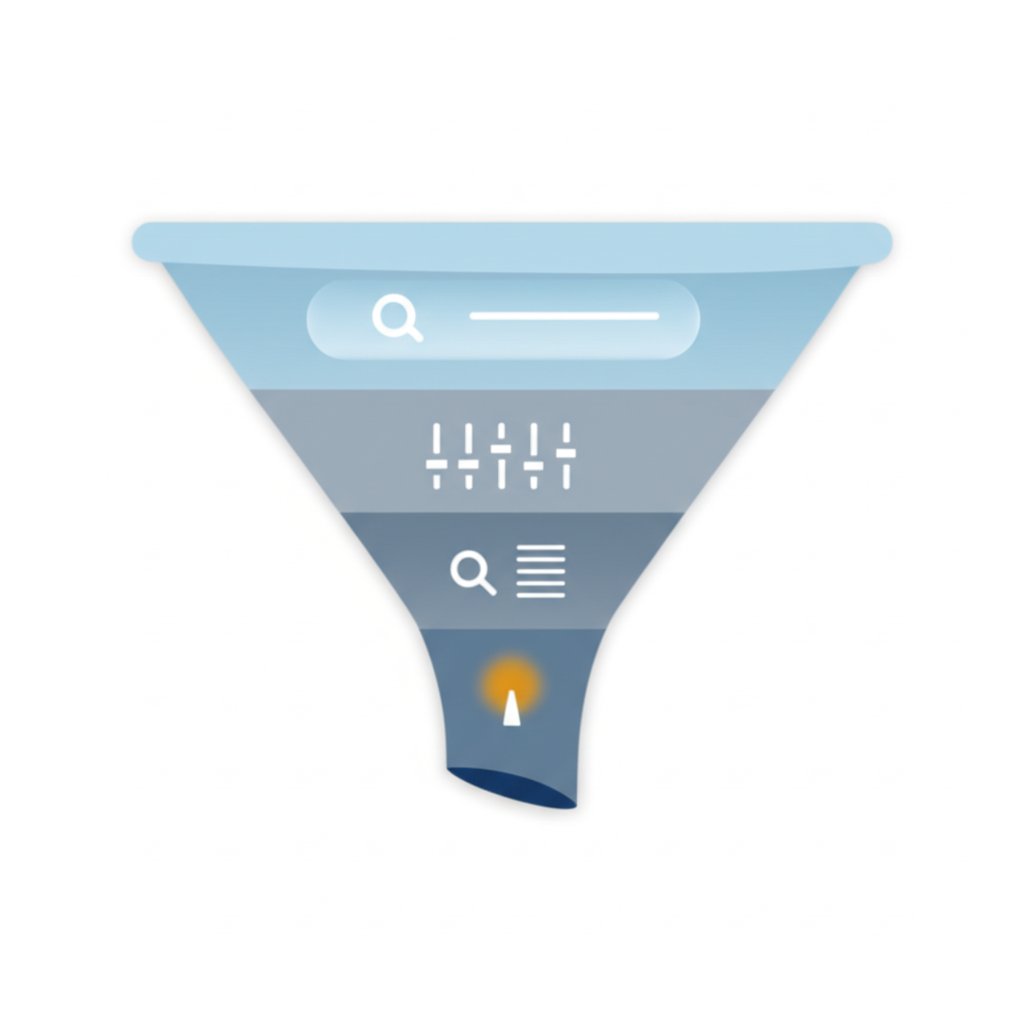
Method 2: Leveraging Third-Party Tools for Advanced Analysis
While YouTube's native tools provide a solid foundation, third-party platforms offer deeper analytics, including specific search volume numbers, competition scores, and trend data. These tools are designed to streamline your research process and help you identify the most strategic keywords to target for growth. Many creators rely on these platforms to gain a competitive edge by uncovering opportunities that might otherwise be missed.
Several tools dominate the YouTube SEO landscape, each with unique features tailored to different creator needs. For instance, VidIQ and TubeBuddy are popular browser extensions that overlay data directly onto the YouTube interface, making it easy to analyze competitor videos and get keyword suggestions on the fly. Other platforms like Semrush and Ahrefs offer comprehensive keyword research suites that can be used for both YouTube and Google, providing a more holistic view of a topic's popularity across search engines. These tools help you move beyond guesswork by providing concrete data to inform your content strategy.
Choosing the right tool depends on your budget and analytical needs. Here is a brief comparison of some of the most popular options mentioned across top SERP results:
| Tool Name | Key Feature | Best For | Pricing Model |
|---|---|---|---|
| vidIQ | Keyword Score (balances volume and competition) | Beginners and intermediate creators looking for actionable, in-app insights. | Freemium |
| TubeBuddy | A/B testing for thumbnails and titles | Creators focused on optimizing click-through rates and video performance. | Freemium |
| Semrush | Comprehensive keyword data and competitor analysis for YouTube & Google. | Marketers and businesses needing data-heavy analysis across multiple platforms. | Subscription |
| Ahrefs | Shows search volume and click data for keywords. | Advanced users and SEO professionals conducting in-depth research. | Subscription |
After identifying your target keywords with these tools, the next challenge is creating the content. For marketers and creators looking to scale their output, AI-driven platforms can revolutionize the workflow. One such solution, BlogSpark, acts as an AI blog post generator that can transform your discovered keywords and ideas into engaging, SEO-optimized articles in seconds. By handling the initial drafting and optimization, it frees up your team to focus on higher-level strategy and promotion, ensuring your keyword research translates into high-quality content efficiently.
Method 3: Using Google Trends to Identify Emerging Topics
Beyond analyzing existing search data, a proactive strategy involves identifying topics just as they begin to gain popularity. Google Trends is an exceptionally powerful and free tool for this purpose. It allows you to visualize the relative interest in a topic over time, helping you spot seasonal patterns and breakout trends before they become highly competitive. This forward-looking approach enables you to create content that captures a wave of new interest, positioning your channel as a timely and relevant resource.
The key to using Google Trends for YouTube is to change the search filter from the default 'Web Search' to 'YouTube Search'. This crucial step ensures the data reflects search behavior specifically on the video platform, not just on Google's main search engine. This distinction is vital, as search intent and popular topics can differ significantly between the two platforms.
Here is a step-by-step guide to effectively use Google Trends for YouTube keyword research:
- Go to the Google Trends website.
- Enter a broad topic or keyword related to your niche into the search bar.
- On the results page, locate the filter that says 'Web Search' and change it to 'YouTube Search'. This is the most important step.
- Analyze the 'Interest over time' graph. Look for upward trends that indicate growing interest or recurring peaks that signal seasonal demand you can plan content around.
- Scroll down to the 'Related queries' and 'Related topics' boxes. Pay special attention to terms marked as 'Breakout', as these are queries that have experienced tremendous growth in a short period.
By incorporating Google Trends into your workflow, you can move from a reactive to a predictive content strategy. For example, by tracking interest in an upcoming video game or movie, you can prepare and release related content just as search traffic begins to spike, capturing a large audience before other creators have a chance to react.
How to Strategically Apply Your Keyword Research
Finding the right keywords is only the first step; the real results come from strategically implementing them into your videos. Proper keyword placement signals to the YouTube algorithm what your video is about, helping it rank in relevant search results and appear in viewer recommendations. This optimization process involves integrating your keywords naturally into several key areas of your video's metadata.
The most critical places to use your keywords are your video's title and description. The title is the first thing viewers and the algorithm see, so it should contain your primary keyword, preferably near the beginning. The description provides context, and your main keyword should appear within the first one or two sentences. Sprinkling in related secondary keywords throughout the rest of the description further strengthens its relevance. This approach not only helps with discoverability but also sets clear expectations for the viewer, leading to better engagement.
To maximize your video's reach, apply your keywords consistently across all available fields. Here is a checklist to follow before publishing any video:
- Video Titles: Place your primary keyword at the beginning of the title. Keep it under 60 characters to avoid it being cut off in search results.
- Descriptions: Include your main keyword in the first couple of sentences. Write a detailed description of at least 200 words, naturally incorporating related keywords.
- Tags: Use a mix of broad and specific tags. Include your primary keyword, common variations, and other relevant terms that describe your video's topic. While their impact has lessened, they still provide helpful context.
- Video Chapters: If you use chapters, name them with descriptive, keyword-rich titles. This not only improves user experience but can also help your video's chapters appear in Google search results, driving additional traffic.
Beyond your own metadata, analyzing what's working for top-ranking videos for your target keyword is a powerful tactic. Look at their titles, descriptions, and even the topics they cover within the video. This competitive analysis can reveal patterns and keyword variations you may have missed, allowing you to refine your own strategy and create content that is even more comprehensive and optimized.

Frequently Asked Questions
1. How to find out what people are searching for on YouTube?
There are several effective methods to discover what people are searching for on YouTube. You can start with YouTube's own features, such as the autocomplete suggestions in the search bar and the 'Research' tab in YouTube Analytics. For more detailed data, third-party tools like TubeBuddy, VidIQ, and Ahrefs provide insights into search volume, competition, and trending topics. Finally, using Google Trends with the filter set to 'YouTube Search' is an excellent way to spot rising trends and popular keywords in your niche.