
TL;DR
To make a link nofollow, you add the rel="nofollow" attribute to its HTML <a> tag. This attribute acts as a hint for search engines like Google, suggesting they should not follow the link for crawling purposes or pass along SEO authority (also known as PageRank) to the linked page. This is commonly used for paid links, user-generated content, or links to sites you don't fully endorse.
Understanding Nofollow Links: The Complete Breakdown
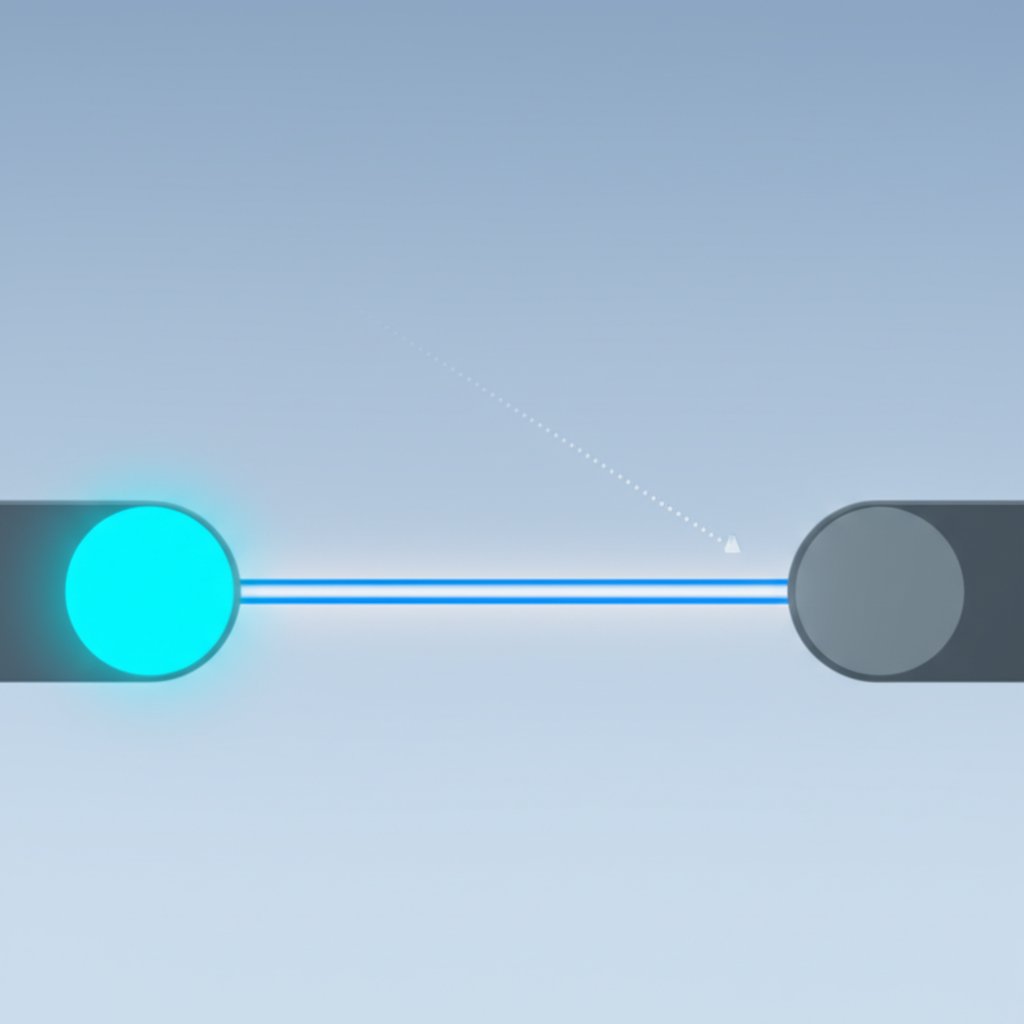
A nofollow link is a hyperlink that contains a specific instruction for search engines. At its core, it's a standard HTML anchor tag (<a>) with one crucial addition: the rel="nofollow" attribute. This tells search engines to largely ignore the link when it comes to assessing your site's authority and crawling the web. While users see and interact with it like any other link, its function behind the scenes is fundamentally different.
Here is what a standard nofollow link looks like in HTML code:
<a href="https://example.com" rel="nofollow">Link Text</a>
The concept was first introduced by Google in 2005 as a way to combat the rising problem of blog comment spam. Spammers were flooding comment sections with links to their own websites to manipulate search rankings. By introducing rel="nofollow", webmasters gained a tool to prevent these low-quality links from passing on SEO value, effectively neutralizing the incentive for this type of spam.
Initially, the nofollow attribute was treated as a strict directive. However, as of 2020, Google now treats it as a "hint" rather than an absolute command. This means that while Google generally honors the suggestion, it may occasionally choose to follow the link for crawling and indexing purposes, especially if it believes the linked content is valuable. This evolution allows Google to better understand the web's link graph while still giving creators control over their outbound links.
To clarify the distinction, it's helpful to compare nofollow links with their counterparts, often referred to as "dofollow" or followed links. It's important to note that "dofollow" is not a real HTML attribute; it's simply a term for a standard link that lacks the nofollow attribute.
| Attribute | Function | SEO Impact |
|---|---|---|
| Followed Link (Default) | A standard link without a `rel` attribute. Search engines follow it and pass authority. | Passes PageRank and helps the linked page's search rankings. |
| Nofollow Link | Contains `rel="nofollow"`. Hints to search engines not to follow or pass authority. | Generally does not pass PageRank or directly impact the linked page's rankings. |
How to Implement a Nofollow Link (Step-by-Step)
Adding a nofollow attribute is a straightforward process, but the exact steps can vary depending on how your website is built. Whether you're editing raw HTML or using a content management system (CMS), the goal is the same: to insert rel="nofollow" into the link's anchor tag.
1. Manual HTML Implementation
If you have direct access to your website's HTML, this is the most fundamental way to create a nofollow link. Simply open the HTML file or code editor, locate the anchor tag (<a>) you want to modify, and add the attribute.
For example, a standard link looks like this:<a href="https://example-site.com">Visit an external website</a>
To make it nofollow, add rel="nofollow" inside the tag:<a href="https://example-site.com" rel="nofollow">Visit an external website</a>
2. Using WordPress (Gutenberg Editor)
WordPress makes this process incredibly simple without needing to touch any code. The Gutenberg block editor has a built-in setting for nofollow links.
- Highlight the text you want to link and click the link icon in the toolbar.
- Paste your URL and press Enter to apply the link.
- Click the link again to open the link settings pop-up.
- Toggle the switch labeled "Mark as nofollow". WordPress will automatically add the necessary attribute for you.
3. In Other CMS Platforms (Webflow, Squarespace, etc.)
Most modern CMS platforms provide a way to add custom attributes to elements. While the interface may differ, the principle is the same. In systems like Webflow, for instance, you can select a link and go to the element settings panel. There, you can add a custom attribute with the name `rel` and the value `nofollow`.
While manually managing these attributes is straightforward, creators using AI-powered platforms can often streamline this process. For instance, advanced tools like BlogSpark not only help generate SEO-optimized content but can also assist in managing technical details, allowing you to focus on strategy rather than code.
When to Use Nofollow, Sponsored, and UGC Attributes
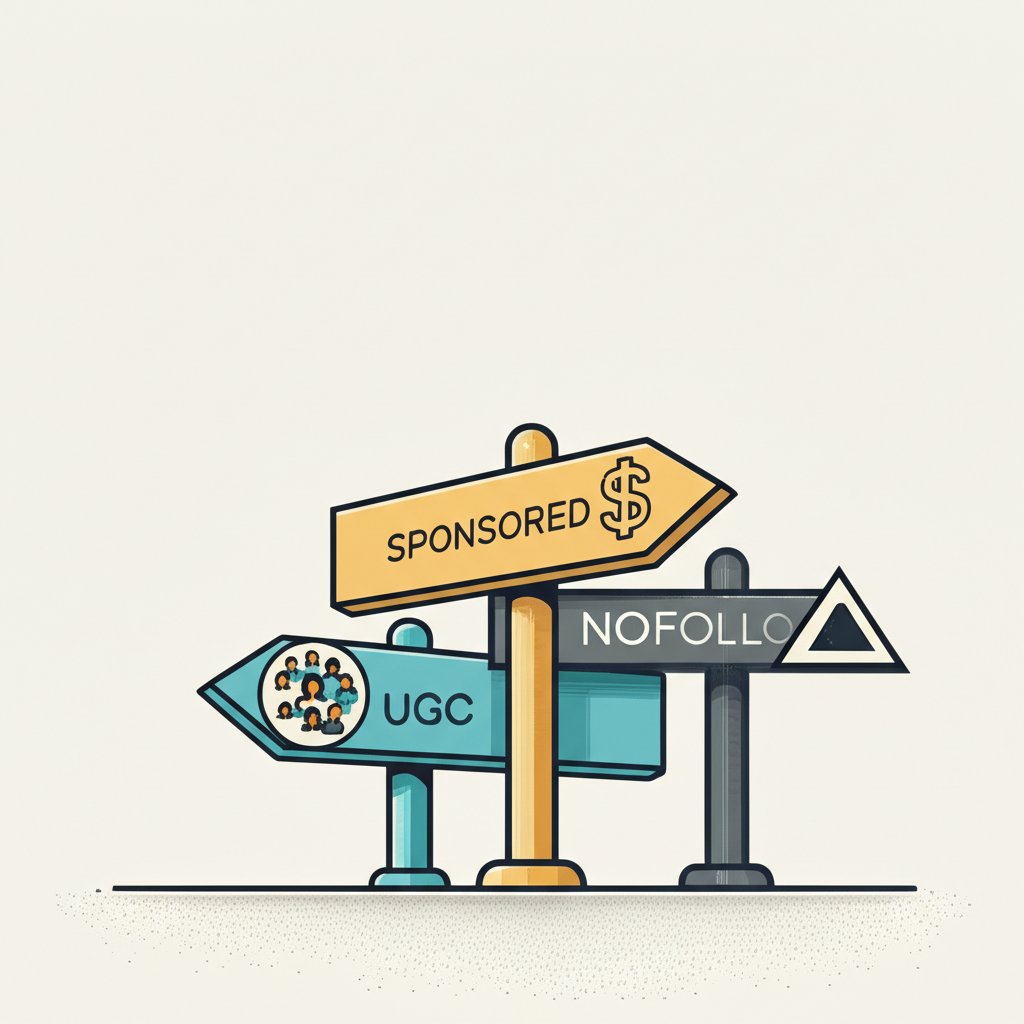
While nofollow was the original catch-all attribute, Google has since introduced two more specific attributes to provide better context about the nature of a link: rel="sponsored" and rel="ugc". Using the correct attribute is a best practice that helps search engines understand your content more accurately and protects your site's integrity.
1. Sponsored & Affiliate Links (rel="sponsored")
Any link that is part of an advertisement, sponsorship, or other paid arrangement should be marked with the sponsored attribute. This includes affiliate links, where you earn a commission for referrals. According to an in-depth guide on the topic by Pretty Links, clearly marking these links is essential for transparency and complying with search engine guidelines. It signals to Google that the link exists due to a commercial relationship and shouldn't be seen as a purely editorial endorsement.
Example: <a href="..." rel="sponsored">Check out this product</a>
2. User-Generated Content (rel="ugc")
If your website allows users to add their own content, such as in blog comments or forum posts, any links they include should use the ugc attribute. This attribute signifies that you, the site owner, did not create or editorially place the link. It helps protect your site from being associated with potentially low-quality or spammy links that users might post.
Example: <a href="..." rel="ugc">A link from a forum post</a>
3. Untrusted Content (rel="nofollow")
The original nofollow attribute now serves as a general-purpose option for cases where the other two don't apply. You should use it when you need to link to a site but do not want to imply an endorsement or pass ranking credit. This could be a link to a resource you're citing as an example of what not to do, or simply a site whose content you haven't fully vetted.
It's also possible to combine attributes. For example, a paid link in a user-generated comment could use rel="ugc sponsored".
| Attribute | When to Use | Example |
|---|---|---|
rel="sponsored" | For any paid or commercial links, including advertisements and affiliate links. | A banner ad or a link in a sponsored post. |
rel="ugc" | For links posted by users, such as in comments, forums, or message boards. | A link in a blog comment. |
rel="nofollow" | For any other outbound link you don't want to endorse or pass authority to. | Linking to a source you don't fully trust. |
Advanced Security: Nofollow, Noopener, and Noreferrer Explained
When you inspect the HTML of a link, especially one that opens in a new tab, you might see other attributes alongside nofollow, such as noopener and noreferrer. These are not directly for SEO but are crucial for security and privacy. As explained in a technical breakdown on Dev.to, understanding them is a key part of modern web best practices.
rel="noopener"
This is a critical security feature. When a link uses target="_blank" to open in a new browser tab, the new page gains limited access to the original page via a JavaScript object (window.opener). A malicious site could exploit this to redirect your original page to a phishing site, a practice known as "tabnabbing." The noopener attribute prevents this by severing that connection, ensuring the new tab runs in a separate process with no access to the originating page.
rel="noreferrer"
This attribute enhances user privacy. Normally, when a user clicks a link, the browser sends an HTTP header called the "Referer" to the destination server, indicating where the traffic came from. The noreferrer attribute prevents this header from being sent, so the destination site won't know that the traffic originated from your page. It also includes the security benefits of noopener.
For maximum safety and privacy, it's a best practice to combine these attributes for any external link that opens in a new tab. Many modern CMSs, including WordPress, automatically add noopener and noreferrer to such links by default.
A fully optimized external link might look like this:<a href="https://external-site.com" rel="nofollow noopener noreferrer" target="_blank">Secure External Link</a>
Final Thoughts on Smart Linking
Mastering the use of nofollow and its related attributes is a fundamental skill for any website owner, marketer, or content creator. It's about more than just SEO; it's about maintaining the integrity of your website, protecting your users, and providing clear signals to search engines. By correctly identifying paid links, user-generated content, and untrusted sources, you build a more trustworthy and authoritative web presence. Remember to use the most specific attribute—sponsored or ugc—when possible, and always prioritize security by including noopener on links that open in new tabs. This thoughtful approach to linking ensures your site remains a reliable and safe resource for both search engines and human visitors.
Frequently Asked Questions
1. How do you create a nofollow link?
You can create a nofollow link by adding the rel="nofollow" attribute to the HTML <a> tag. In most content management systems like WordPress, there is a simple checkbox or toggle in the link editor to apply this setting without needing to edit code directly.
2. What does a nofollow link look like in HTML?
A nofollow link looks very similar to a standard link in HTML, with the addition of the `rel` attribute. Here is a direct example: <a href="https://example.com" rel="nofollow">This is a nofollow link</a>.
3. Which links should be nofollow?
You should use a nofollow attribute (or its more specific variations) on links that you don't want to pass SEO authority to. This includes any paid or sponsored links (use rel="sponsored"), links within user-generated content like comments (use rel="ugc"), and any links to content you do not fully endorse or trust (use rel="nofollow").