
TL;DR
Measuring your local search Click-Through Rate (CTR) is essential for understanding how effectively your business attracts nearby customers. You can track this key metric using free tools like Google Search Console and Google Business Profile Insights. By monitoring clicks and impressions for local search queries, you can apply the simple formula (Clicks ÷ Impressions) × 100 to calculate your CTR and gain valuable insights into your online performance.
What Is Local Search CTR and Why Does It Matter?
Local Search Click-Through Rate (CTR) is a percentage that shows how many people click on your business listing after seeing it in local search results. Think of it as a measure of your digital curb appeal. When a potential customer searches for a service “near me,” your CTR indicates how compelling your listing is. A high CTR means your title, description, and reviews are successfully grabbing attention and drawing users in. This metric is a vital performance indicator for any local SEO strategy because it directly correlates with customer actions.
A strong local CTR is a direct pipeline to more website traffic, phone calls, and foot traffic to your physical location. According to Google, a significant percentage of all searches have local intent, meaning if you're not optimized for these queries, you're missing out on a huge pool of potential customers. A higher CTR not only brings more visitors but also signals to search engines that your listing is relevant and valuable to users, which can positively influence your search rankings over time.
Understanding what constitutes a good CTR provides a benchmark for your efforts. While performance varies by industry and search position, a CTR above 3% is generally considered a good starting point for organic search. For local search ads, the average is often higher, typically between 4% and 6%. Tracking this metric allows you to move beyond vanity metrics like impressions and focus on engagement that translates into real business results. It’s the first step toward optimizing your online presence to attract and convert more local customers.
Essential Tools for Measuring Local CTR
To accurately measure your local search CTR, you don't need a massive budget. The most powerful and essential tools are available for free, directly from Google. The two foundational platforms every local business should use are Google Search Console (GSC) and Google Business Profile (GBP). These tools work together to provide a comprehensive view of your local search performance.
Google Search Console is your primary tool for understanding how your website performs in organic search results. It provides crucial data on clicks, impressions, average CTR, and the specific search queries users enter to find you. To measure local CTR, you can filter this data to focus on location-based keywords (e.g., “plumber in Brooklyn”) or queries containing “near me.” This allows you to isolate the performance of your local SEO efforts from your broader organic presence. The process is straightforward:
- Navigate to the 'Performance' report in your GSC dashboard.
- Use the query filter to include terms containing your city, neighborhood, or phrases like “near me.”
- Analyze the Clicks, Impressions, and CTR columns for these specific local queries.
While GSC focuses on website performance, Google Business Profile Insights provides data on how users interact directly with your business listing in the search results and on Google Maps. This includes metrics like clicks for directions, clicks to call your business, and clicks to your website from your profile. These interactions are strong indicators of high purchase intent. Monitoring these metrics gives you a clearer picture of how your GBP listing is driving direct customer actions, complementing the website-focused data from GSC.
For a more advanced analysis, you can also leverage third-party SEO tools. Platforms like SEMrush, Ahrefs, and Moz offer features for tracking local keyword rankings and analyzing competitor performance, providing deeper insights that can inform your strategy. However, for the core task of measuring local CTR, GSC and GBP are the indispensable starting points.
| Tool | Primary Data Provided | Best For Analyzing |
|---|---|---|
| Google Search Console | Clicks, Impressions, CTR, Search Queries | Website performance from organic search results for local keywords. |
| Google Business Profile Insights | Direction Requests, Phone Calls, Website Clicks | Direct user interactions and conversions from your business listing. |
How to Calculate Your Local Search CTR: A Step-by-Step Guide
Calculating your local search CTR is a straightforward process that transforms raw data into a clear performance metric. The calculation itself is simple, but the key is to use the correct data segmented specifically for local queries. By focusing on location-based keywords, you can accurately assess the effectiveness of your local SEO campaigns rather than getting a diluted number from your overall site traffic.
The fundamental formula for calculating your local search CTR, as highlighted by resources like CallRail, is:
(Total Clicks on Local Queries ÷ Total Impressions for Local Queries) × 100 = Local Search CTR %
To apply this formula, you need to first gather the necessary data from Google Search Console. A 'click' represents a user who clicked your link in the search results, and an 'impression' means your link was displayed on a user's search results page. By isolating these metrics for queries that include geographic terms (like your city or “near me”), you get a precise measure of your local performance.
Let's walk through a practical example. Imagine a local bakery in Atlanta wants to measure its CTR for the term “cupcakes in atlanta.” After logging into Google Search Console and filtering the performance report, they find the following data for the past month:
- Total Impressions: 3,500
- Total Clicks: 175
Using the formula, the calculation would be: (175 Clicks ÷ 3,500 Impressions) × 100 = 5% CTR. This tells the bakery that for every 100 times their website appeared for that specific local search, five people clicked through to their site.
To ensure accuracy, follow this simple checklist when calculating your CTR:
- Define Your Keywords: Start with a clear list of the local and geo-targeted keywords you want to measure.
- Gather Data from GSC: Use the performance report in Google Search Console to collect click and impression data for your defined keywords over a specific period (e.g., the last 30 days).
- Apply the Formula: Divide the total clicks by the total impressions and multiply by 100.
- Repeat and Analyze: Repeat this process for your most important local terms and track the results over time to identify trends.
A common mistake is to look at the overall site CTR without segmentation. This provides a skewed view, as your local performance can be vastly different from your national or non-branded search performance. By focusing specifically on local queries, you gain actionable insights into how well you are capturing the attention of your target audience.
Benchmarking and Interpreting Your Local CTR Results
Once you've calculated your local CTR, the next crucial step is to understand what the numbers mean. A 'good' CTR is not a fixed number; it's relative and depends on several factors, including your industry, your ranking position in search results, and the competitiveness of the keywords you're targeting. However, SERP data provides a general consensus: a CTR above 3% is often considered good for organic search, while anything above 6-10% can be exceptional. For local ads, benchmarks are slightly higher, typically averaging 4-6%.
Several key factors directly influence your local CTR. Your position in the search results is the most significant; listings in the Google Local Pack (the top three map-based results) or the first few organic positions naturally receive the most clicks. Beyond ranking, the quality of your Google Business Profile plays a massive role. A listing with numerous positive reviews, high-quality photos, and a compelling, keyword-rich title tag and meta description is far more likely to attract clicks than a sparse or poorly reviewed one.
Interpreting your CTR requires looking beyond the number itself. A low CTR despite a high ranking position could signal a problem with your listing's appeal—perhaps your title isn't engaging, or a competitor has a better star rating. Conversely, a high CTR but low conversions (like phone calls or form submissions) might indicate that your website's landing page isn't meeting the expectations set by your search listing. Analyzing these patterns helps you diagnose issues and refine your strategy effectively. To help authors create more compelling content that can boost these metrics, many now turn to AI-driven platforms. For instance, marketers looking to scale their content creation can use an AI blog post generator like BlogSpark to produce engaging, SEO-optimized articles that resonate with local audiences and improve click-through rates.
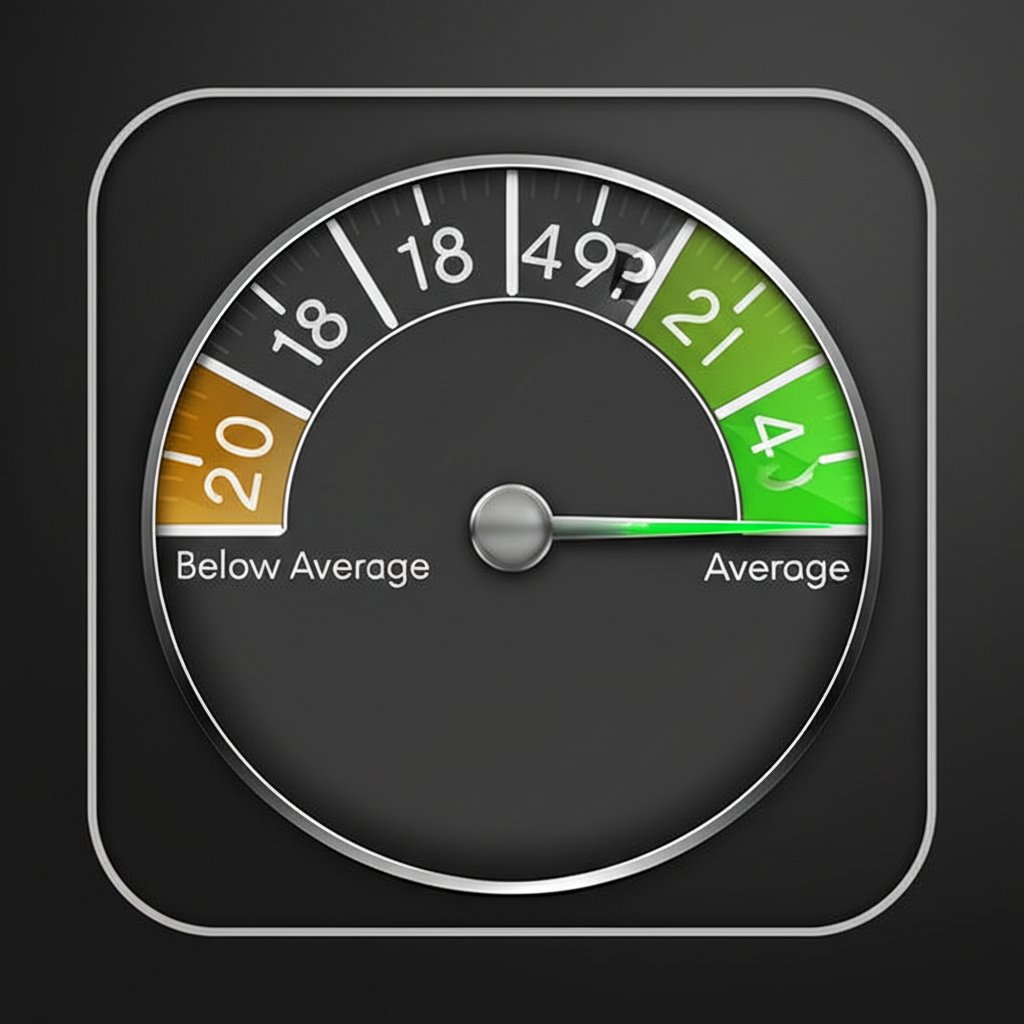
To help you contextualize your performance, here's a simple framework for evaluating your local CTR:
| Performance Level | Typical CTR Range | What It Might Indicate |
|---|---|---|
| Below Average | 0% - 2% | Your listing may not be visible, or your title/description is uncompelling. Poor reviews could also be a factor. |
| Average | 3% - 6% | Solid performance. Your listing is attracting a decent share of clicks for its position. Focus on incremental improvements. |
| Exceptional | 7%+ | Your listing is highly optimized and stands out. It likely has excellent reviews, a compelling title, and strong relevance. |
When analyzing your results, ask yourself these questions to uncover deeper insights:
- Is my CTR higher for branded searches (e.g., “my business name”) versus non-branded local searches (e.g., “service near me”)?
- How does my CTR for listings in the Local Pack compare to my standard organic results?
- Which specific local keywords are driving the highest and lowest CTRs?
- Have recent changes to my GBP profile (like adding new photos or getting new reviews) impacted my CTR?
Frequently Asked Questions
1. Is a 3% CTR good?
Yes, a Click-Through Rate of 3% or higher is generally considered good for SEO. It indicates that for every 100 people who see your link in search results, at least three click on it. However, a 'good' CTR is highly dependent on your industry, ranking position, and the specific search query.
2. Are 46% of Google searches local?
Yes, studies have consistently shown that a large portion of Google searches have local intent. Figures often cite that nearly half of all searches are for local information, products, or services, highlighting the critical importance of local SEO for businesses.
3. What is the CTR benchmark for search ads?
The benchmark for search ads can vary widely by industry, but the median Click-Through Rate is often cited as being around 4-6%. This metric helps advertisers gauge how effectively their ads are capturing user attention compared to industry averages.