
TL;DR
To shorten a link, you simply use an online URL shortener. The process involves copying your long URL, pasting it into the tool's input box, and clicking a button to generate a new, shorter link. This condensed link redirects to the original webpage and is perfect for sharing on social media, in marketing materials, or anywhere you need a clean, concise URL.
What Is URL Shortening and Why Bother?
URL shortening is the process of converting a long, often complex web address into a much shorter and more manageable one. For example, a lengthy news article link like https://www.usatoday.com/story/travel/2022/02/10/amtrak-deal-valentines-offer-sale/6741296001/ can be transformed into a simple link such as https://bit.ly/3Bg19uM. While both links lead to the same destination, the second one is significantly cleaner and more user-friendly.
The magic behind this process is a technology called an HTTP redirect. When you create a short link, the service saves your original long URL in its database and associates it with the new, short alias. As detailed in a helpful Bitly article, when a user clicks the short link, their browser is first sent to the shortener's server. The server instantly looks up the original address and redirects the user to the correct destination. This all happens in a fraction of a second, so the user experience is seamless.
But why go through the trouble? There are several key benefits. Shorter links have improved aesthetics; they look tidier and more professional in social media bios, presentations, and documents. They are also easier to share, especially on platforms with character limits like X (formerly Twitter). Furthermore, many services offer powerful analytics, allowing you to track how many people clicked your link, where they are from, and which channels drove the most traffic. Finally, using custom short links can enhance brand recognition and build trust with your audience, as they are less likely to appear spammy.
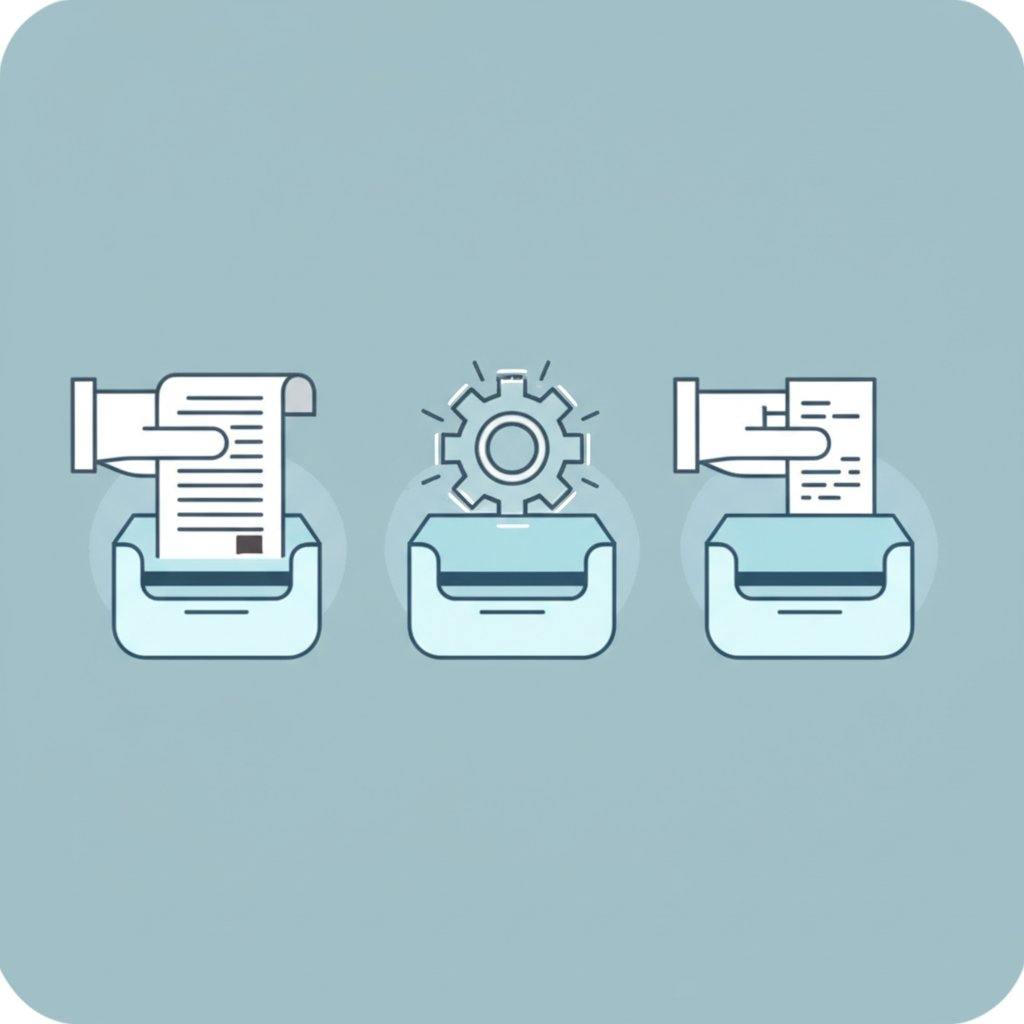
How to Shorten a Link: The Simple 5-Step Process
Creating a shorter, more shareable link is an incredibly straightforward process that takes only a few moments. While different tools may have slightly different interfaces, the core steps are universal. You don't need any technical expertise to get started.
Here is a simple, step-by-step guide to shortening any URL:
- Copy the long URL: Navigate to the webpage you want to link to. Highlight the entire web address in your browser's address bar and copy it to your clipboard (Ctrl+C on Windows or Cmd+C on Mac).
- Choose a URL shortener: Open your web browser and go to a URL shortening service website. There are many free and reliable options available, which we will cover in the next section.
- Paste your URL: Find the input box on the shortener's homepage, which is usually labeled "Shorten your link" or "Paste a long URL." Paste your copied address into this field (Ctrl+V or Cmd+V).
- Generate the short link: Click the button next to the input field. This may be labeled "Shorten," "Create," or a similar term. The tool will instantly generate your new, condensed URL.
- Copy and share your new link: The page will display your new short link. Simply click the "Copy" button to save it to your clipboard. You can now paste this clean link anywhere you like—in a social media post, an email, or a digital document.
For even greater efficiency, some users prefer browser extensions. As noted by Microsoft Edge's learning center, you can install a URL shortener extension directly into your browser. This allows you to create a short link for the page you are currently visiting with a single click, without ever needing to leave the site.
Choosing the Right Tool: Top Free URL Shorteners
While all URL shorteners perform the same basic function, they are not all created equal. Some prioritize speed and simplicity, while others offer robust features geared toward marketers and businesses. Choosing the right one depends entirely on your needs. Below is a comparison of some of the most popular free tools available.
For those who need a quick, no-frills solution, services like TinyURL and ShortURL.at are excellent choices. They are incredibly easy to use: just paste your link, click a button, and you're done. They are perfect for one-off uses where you don't need to track performance or customize the link.
On the other hand, Bitly is a powerhouse in the link shortening space, offering a free tier that includes link customization and basic analytics. It allows you to see how many clicks your links receive, which is invaluable for social media managers and marketers. Similarly, the URL shortener in Canva is integrated directly into its design platform, making it a seamless option for creators who want to add short links to their visual content without switching apps.
Here’s a quick-glance table to help you decide:
| Tool Name | Key Feature(s) | Best For |
|---|---|---|
| Bitly | Link analytics, custom back-halves, QR code generation | Marketers and businesses needing to track engagement |
| TinyURL | Extreme simplicity, reliability, custom aliases | Users who need a quick, memorable link without analytics |
| ShortURL.at | Simple interface, URL click counter | Anyone needing a fast, straightforward shortening service |
| Canva URL Shortener | Integration with Canva's design platform | Designers and content creators working within Canva |
Beyond the Basics: Custom Links and Analytics
For businesses and creators focused on building a strong brand identity, the advanced features offered by platforms like Bitly and Short.io are game-changers. Moving beyond the basic short link, these services allow you to create custom branded links. Instead of a generic address like bit.ly/3xY7zW9, you can create a link that reflects your brand, such as yourbrand.co/new-promo. This not only looks more professional but also significantly increases audience trust and click-through rates, as users know exactly where the link is taking them.
The other major advantage of premium services is in-depth analytics. These platforms provide a dashboard where you can monitor the performance of your links in real time. You can track not only the total number of clicks but also gather valuable demographic data, such as the geographic location of your audience and the specific websites or social media platforms that are referring the most traffic. This data is crucial for understanding your audience and refining your marketing strategies.
Measuring the impact of your content is vital for growth. Marketers and creators who rely on data-driven insights for their campaigns can also benefit from tools that streamline the content pipeline. For instance, those looking to scale their blog output might use an AI blog post generator to produce engaging, SEO-optimized articles efficiently. Services like BlogSpark help teams transform ideas into high-quality content in seconds, freeing them up to focus on strategic planning and campaign analysis—where the data from your short links becomes invaluable.
Ultimately, upgrading from a free tool to a paid plan is a strategic decision. If you are sharing links casually, a free service is perfectly adequate. However, if your links are a core part of your marketing efforts, the investment in branded links and detailed analytics can provide a significant return by boosting engagement and providing actionable insights.
From Long Links to Smart Connections
In a digital world that values speed and clarity, the ability to shorten a link is more than just a convenience—it's a fundamental skill for effective communication. Whether you're a marketer tracking a campaign, a creator sharing your latest work, or simply someone trying to send a clean-looking link in an email, the process is simple and accessible to everyone. By choosing the right tool for your needs, you can transform unwieldy web addresses into powerful assets that are not only easier to share but also enhance your brand and provide valuable insights into your audience's behavior.

Frequently Asked Questions
1. How do I edit a hyperlink to make it shorter?
To make an existing hyperlink's displayed text shorter without changing its destination, you can edit the anchor text. In most applications like Microsoft Outlook or Word, you can right-click the link, select "Edit Hyperlink," and then change the text in the "Text to display" box to whatever you want. However, if you want to shorten the actual URL itself, you must use a URL shortening service as described in this article to generate a new, shorter link that redirects to the original page.