
TL;DR
To get your URL indexed by Google, the most direct method is using the free Google Search Console. Paste your URL into the URL Inspection tool to check its current status. If the page is not indexed, you can click the 'Request Indexing' button to add it to Google's priority crawl queue for evaluation.
What Is Google Indexing and Why Is It Crucial?
Think of Google's index as a massive, digital library catalog for the entire internet. Before a book (your webpage) can be found by library patrons (users), it must first be added to this catalog. This process is called indexing. It’s the critical step where Google analyzes a webpage, understands its content, and stores that information in its vast database. Without being indexed, your URL is effectively invisible in Google's search results.
It's important to distinguish indexing from crawling. Crawling is the discovery process where Google's automated programs, called Googlebots, follow links from page to page to find new or updated content. After a page is crawled, Google decides whether to index it. Simply being crawled does not guarantee a page will be indexed and ranked.
Being properly indexed is the foundation of all search engine optimization (SEO) efforts. If your URL isn't in the index, it cannot rank for any keywords, no matter how relevant or high-quality your content is. This means no organic traffic, no visibility, and no opportunity to connect with your audience through search. Therefore, ensuring your important pages are indexed is the first and most vital step in making your website discoverable.
How to Check if Your URL Is Indexed: The Definitive Methods
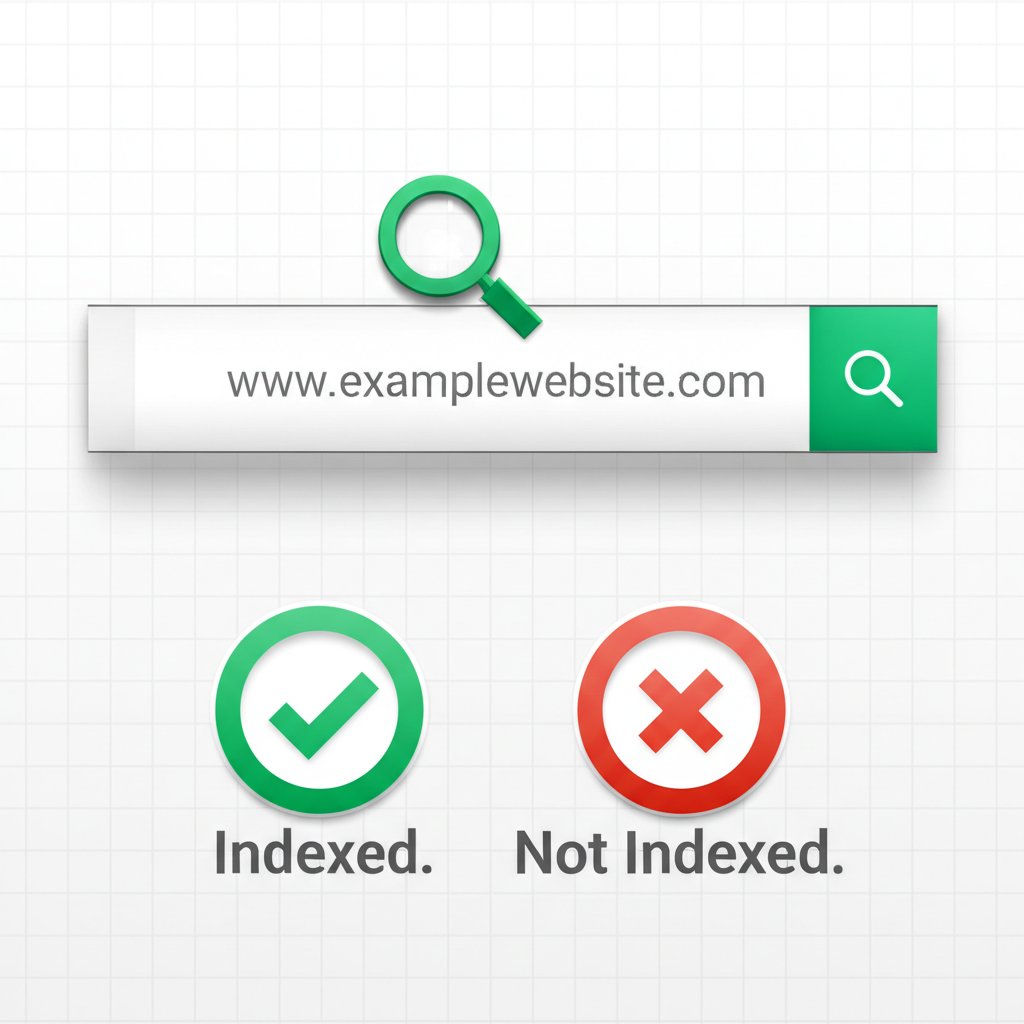
Before you can fix an indexing issue, you need to confirm one exists. There are two primary methods to check if a specific URL is part of Google's index. While third-party 'Google index checker' tools exist, using Google's own resources provides the most accurate and actionable information.
- The 'site:' Search Operator: This is a quick and simple way to get a rough idea. Go to Google and type
site:yourdomain.com/your-urlinto the search bar, replacing the example with your full URL. If your page appears in the results, it is indexed. If you see a message like 'Your search did not match any documents,' the page is likely not in the index. While fast, this method is not always 100% definitive. - The URL Inspection Tool in Google Search Console: This is Google's official and most accurate method. It provides detailed information directly from the Google index. To use it, log into your Google Search Console account, paste the full URL you want to check into the search bar at the top, and press Enter. The tool will retrieve data and show you one of two primary statuses: 'URL is on Google' (meaning it's indexed) or 'URL is not on Google' (meaning it isn't). This tool is the essential first step for any indexing diagnosis.
Requesting Indexing: How to Submit Your URL to Google
If you've confirmed your URL isn't indexed, the next step is to ask Google to crawl and consider it. Google provides official methods to do this, catering to different needs—whether you're submitting a single new page or many at once.
For a Few URLs: Use 'Request Indexing'
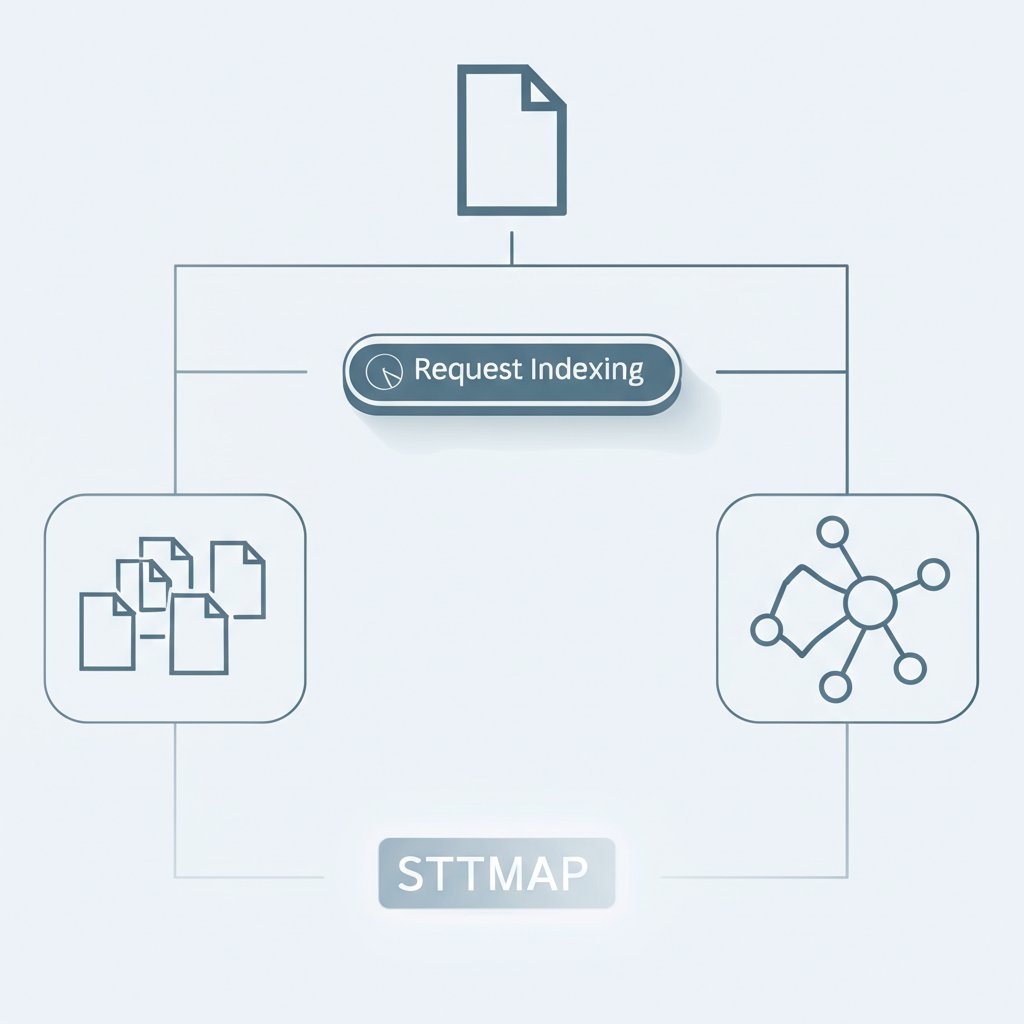
The fastest way to submit a single page is through the same URL Inspection tool you used to check its status. The process is straightforward:
- Inspect the URL in Google Search Console as described previously.
- If the result shows 'URL is not on Google,' you will see a button labeled 'Request Indexing.'
- Click this button. Google will run a quick live test on the page for major issues and, if it passes, add your URL to a high-priority crawl queue.
It's important to note that this action does not guarantee immediate or even eventual indexing. It simply tells Google that this page is new or has been updated and should be looked at. The process can take anywhere from a few days to a couple of weeks.
For Many URLs: Submit an XML Sitemap
If you have a new website or have added a large number of pages, submitting them one by one is impractical. This is where an XML sitemap is essential. A sitemap is a file that lists all the important URLs on your website, making it easier for search engines to discover and understand your site structure. Many content management systems and SEO plugins can generate this file for you automatically. Even some advanced content creation tools can help streamline the technical SEO process. For instance, AI-powered platforms like BlogSpark not only assist in generating SEO-optimized articles but also ensure that new content is structured correctly and ready for sitemap inclusion. Once you have your sitemap, you can submit it via Google Search Console under the 'Sitemaps' section in the left-hand menu.
Troubleshooting: Common Reasons Your URL Isn't Indexed
Sometimes, simply requesting indexing isn't enough because a technical issue is preventing Google from adding your page. If your URL remains unindexed, you need to investigate these common culprits. Many of these issues can be identified using the URL Inspection tool or by reviewing the 'Pages' report (formerly Coverage report) in Search Console.
- 'noindex' Tag: This is a direct command in your page's HTML code (specifically in the
<head>section) that explicitly tells search engines not to index the page. You or your CMS may have added it by mistake. To fix it, you must remove the<meta name="robots" content="noindex">tag from the page's HTML. - Blocks in robots.txt: The robots.txt file is a guide for crawlers, telling them which parts of your site they can and cannot access. If a 'Disallow' rule in this file is blocking the URL (or the entire folder it's in), Googlebot won't be able to crawl it, and therefore it cannot be indexed. You can use Google's robots.txt tester to identify and fix the blocking rule.
- Low-Quality or Duplicate Content: Google aims to index and serve high-quality, unique content. If your page has very little content (thin content) or is nearly identical to another page on your site or elsewhere on the web, Google may choose not to index it to avoid cluttering its results with redundant information. Ensure every page you want indexed provides distinct value.
- Page is an Orphan: Google discovers new pages primarily by following links. If a page has no internal links pointing to it from other pages on your own website, it's considered an 'orphan page.' This makes it very difficult for crawlers to find. The solution is to ensure every important page is linked to from other relevant pages on your site.
Frequently Asked Questions
1. What is a URL index?
A URL index is a massive database, like a library's catalog, where Google stores information about all the web pages it has discovered and deemed worthy of showing in search results. For a page to appear in a Google search, it must first be in this index.
2. How do I check if a URL is indexed?
The most reliable method is to use the URL Inspection tool in Google Search Console. Paste your URL into the tool, and it will tell you if the 'URL is on Google.' A quicker but less detailed method is to use the 'site:' search operator in Google, for example: site:yourwebsite.com/page-url.
3. How do I get Google to index a URL?
For a single URL, use the URL Inspection tool in Google Search Console and click the 'Request Indexing' button. For many URLs at once, create and submit an XML sitemap in the 'Sitemaps' section of Search Console.