TL;DR
A SERP rank checker is an essential SEO tool for viewing your website's position on search engine results pages (SERPs) for specific keywords. Numerous free and powerful tools are available that provide instant, accurate data. Using a SERP rank checker allows you to effectively monitor your SEO performance, analyze your competitors' strategies, and make informed decisions to improve your online visibility.
What Is a SERP Rank Checker and Why Is It Essential for SEO?
A Search Engine Results Page (SERP) is what you see after typing a query into Google. Your website's position on that page, or its SERP ranking, directly impacts its visibility, traffic, and potential to attract customers. A higher ranking means your SEO strategy is effective. A SERP rank checker is a specialized tool designed to tell you exactly where your website appears for the keywords you care about, saving you from inaccurate manual searches influenced by your location and browsing history.
These tools are crucial for any serious SEO strategy. Manually checking your rank is not only time-consuming but often unreliable due to personalized search results. A dedicated checker provides unbiased data, allowing you to see your true ranking from different locations and on different devices (desktop vs. mobile). This information is the foundation of a data-driven approach to SEO, helping you measure the impact of your efforts and identify opportunities for growth.
The foundation of any successful SEO strategy is high-quality content. For marketers looking to scale their content creation, AI-powered platforms like BlogSpark can help generate SEO-optimized articles, which you can then monitor using the rank checkers discussed here. Ultimately, tracking your rankings helps you understand what content resonates with search engines and your audience.
The primary benefits of using a SERP rank checker include:
- Accurate Performance Tracking: Get objective data on how your website ranks for target keywords over time.
- Competitor Analysis: Monitor your competitors' rankings to identify their strengths and weaknesses, as highlighted by tools like Mangools SERPChecker.
- Local SEO Insights: Check rankings from specific cities or zip codes, which is vital for local businesses.
- Time Savings: Automate the process of checking hundreds of keywords, freeing up time for strategic tasks.
- Data-Rich Reporting: Access additional metrics like search volume, ranking difficulty, and traffic estimates to inform your strategy.
Key Features to Look for in a SERP Checker Tool
Not all SERP rank checkers are created equal. While many free options provide quick insights, the best tools offer a range of features that give you a more complete picture of your SEO landscape. When evaluating different options, it's important to consider which features are most critical for your specific needs, whether you're a local business owner, a freelance SEO, or part of a larger marketing team.
Focus on tools that deliver precise and actionable information. The goal is to move beyond a simple number and understand the context behind your ranking. For instance, knowing you rank #5 is useful, but knowing you rank #5 on mobile devices in a specific city for a keyword with high commercial intent is far more powerful. This level of detail allows you to fine-tune your strategy effectively.
Here are the essential features to consider when choosing a SERP checker:
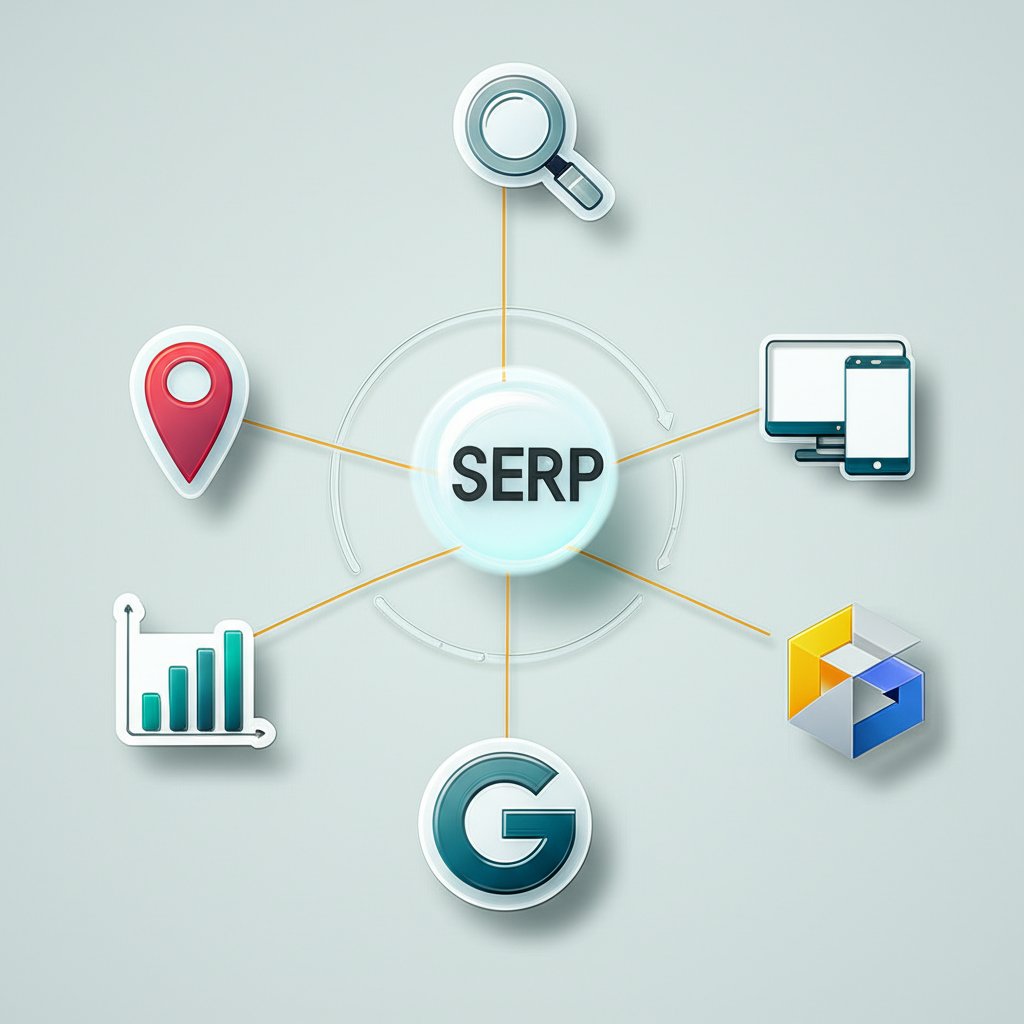
- Location and Device Specificity: Your rank can vary significantly by city or country, and between desktop and mobile. Tools that allow you to specify both location and device type are essential for accurate local and mobile SEO tracking.
- Accuracy and Data Freshness: The tool should provide real-time or very recent data. Stale data can lead to poor strategic decisions. Look for tools that emphasize fresh results, like WhatsMySerp.
- Additional SEO Metrics: Top-tier checkers do more than just report rank. They provide valuable context, such as keyword difficulty scores, backlink data for top results, and estimated organic traffic, as seen in the Ahrefs SERP Checker.
- Number of Daily Checks: Free tools almost always have a limit on how many keywords you can check per day. Consider how many keywords you need to track and choose a tool with a limit that fits your workflow.
- Supported Search Engines: While Google is the primary focus for most, some businesses may need to track rankings on Bing, Yahoo, or other engines. Tools like Raven Tools offer multi-engine support.
- User Interface (UI): The tool should be intuitive and easy to use, presenting data in a clear, scannable format so you can find the information you need quickly.
The Best Free SERP Rank Checkers: A Head-to-Head Comparison
The market is filled with excellent free SERP rank checkers, each with unique strengths. For users needing quick, on-the-fly checks, many tools deliver instant results without requiring an account. Others, often connected to larger SEO platforms, provide more in-depth data in exchange for a free sign-up. The right choice depends entirely on your specific goals—are you performing a quick spot-check or conducting a deeper competitive analysis?
To help you decide, we've compared some of the top free tools mentioned frequently in search results. This table breaks down their key features, highlighting what makes each one stand out.
| Tool | Key Strength | Location Support | Extra Metrics | Daily Limit (Free) |
|---|---|---|---|---|
| WhatsMySerp | Simplicity and speed for up to 10 keywords at once. | Country-specific | None | 10 checks/day |
| SERProbot | Very simple interface for checking up to 10 keywords. | Country-specific | None | Generous, but undefined |
| Ahrefs SERP Checker | Rich data, including Domain Rating, URL Rating, and backlink counts for top 10 results. | Hundreds of countries | Yes (SEO stats, traffic estimates) | Limited daily checks |
| Mangools SERPChecker | Excellent for local SEO and competitor analysis with 45+ SEO metrics. | Over 65,000 locations (countries, cities) | Yes (Moz/Majestic metrics, SERP features) | Limited daily checks |
| AccuRanker | Live, accurate results with a focus on location-specific SERPs. | Specific global locations | SERP features | Limited daily checks |
Analysis and Recommendations
After comparing the options, here are our recommendations for different use cases:
- Best for Quick Checks: SERProbot and WhatsMySerp are fantastic for their speed and simplicity. If you need to check a handful of keywords without any fuss, these are your go-to tools.
- Best for In-Depth Data: Ahrefs is the clear winner here. Its free checker provides invaluable backlink and traffic data for the top 10 results, which is crucial for serious competitor analysis.
- Best for Local SEO: Mangools SERPChecker offers unparalleled location specificity, making it the ideal choice for businesses that need to track their rankings at a city or regional level.

How to Use a SERP Checker Tool: A Quick Guide
Using a SERP checker is typically a straightforward process, designed to give you insights in just a few clicks. While each tool's interface may vary slightly, the core steps remain consistent. For the most accurate and unbiased results, it's always recommended to use a dedicated tool rather than performing manual searches, which are heavily influenced by your personal data.
Some SEOs also use Google Search Console (GSC) to monitor performance. GSC provides authoritative data directly from Google, but its position metrics are often averaged over time and may not reflect the real-time, location-specific ranking you can get from a dedicated SERP checker.
Here is a simple step-by-step guide to using a typical free SERP checker:
- Enter Your Domain: Type your website's URL into the designated field. You typically don't need to include "https://" or "www."
- Input Your Target Keywords: Add the keywords you want to check. Most free tools allow you to enter multiple keywords at once, each on a new line.
- Configure Location and Device Settings: Select the country or region you are targeting. If available, choose between desktop and mobile to see how your ranking differs across devices.
- Analyze the Results: The tool will scan the SERP and show your website's position for each keyword. Pay close attention to your ranking and which specific page is ranking.
Frequently Asked Questions
1. Which SERP checker is best?
The "best" SERP checker depends on your needs. For quick, simple checks, tools like SERProbot are excellent. For in-depth competitive analysis with rich SEO data, Ahrefs' free tool is superior. For businesses focused on local search, Mangools SERPChecker provides the most granular location options.
2. Are SERP checkers free to use?
Yes, many companies offer free SERP checkers. These tools are often a gateway to their premium paid services and usually come with limitations, such as a cap on the number of keywords you can check per day. However, for most daily tracking and spot-checking needs, the free versions are highly effective.
3. What is a SERP ranking?
A SERP ranking is a website's position on a search engine results page for a specific keyword query. A higher ranking (closer to position #1) generally leads to significantly more visibility, organic traffic, and potential conversions. It is a key indicator of a website's SEO health and the effectiveness of its content strategy.