TL;DR
Hreflang tags are snippets of code used in a Shopify store to tell search engines about different language and regional versions of a single webpage. Proper implementation of shopify hreflang tags is critical for international SEO. It ensures search engines show the correct page version to users based on their location and language, which helps prevent duplicate content issues and significantly improves the user experience.
What Are Hreflang Tags and Why Are They Crucial for Shopify?
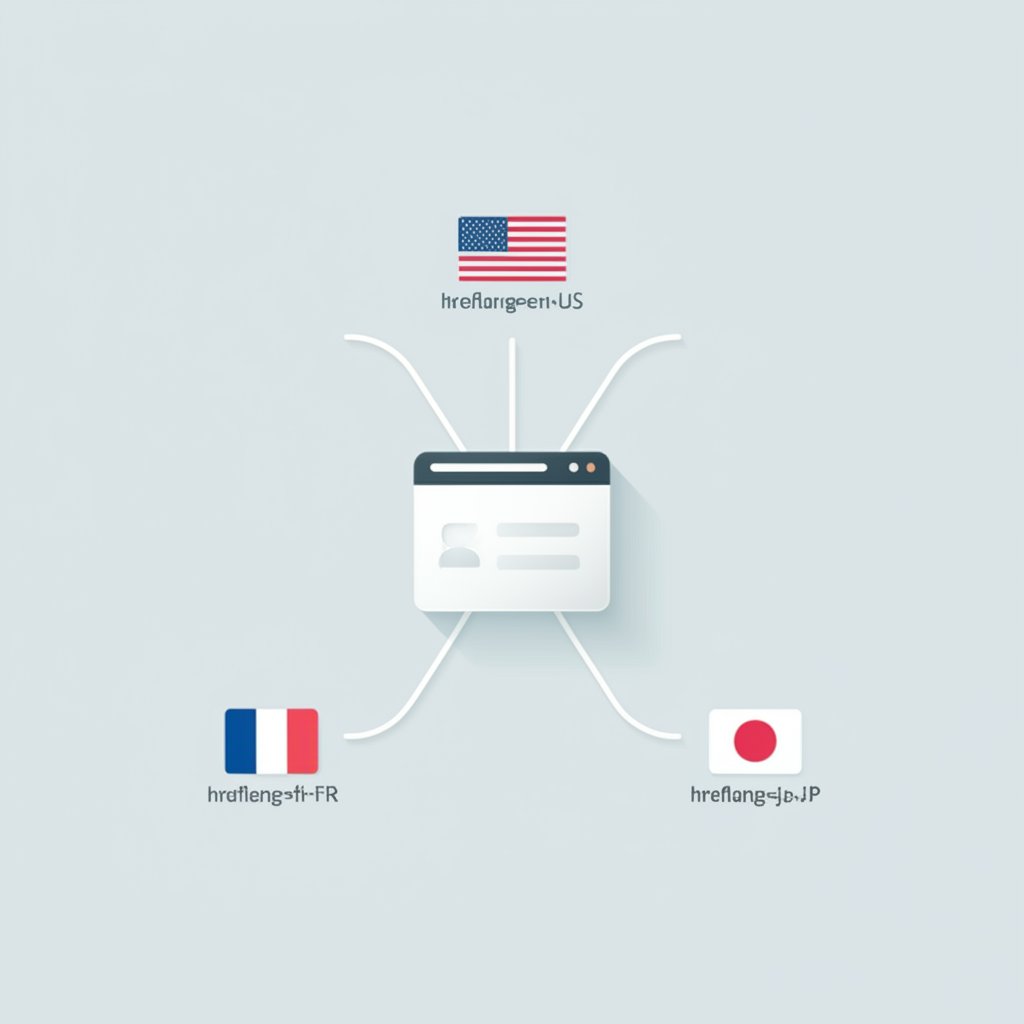
Hreflang tags are HTML attributes that signal to search engines, like Google, the relationship between web pages in alternate languages or for different regions. For any Shopify store operating internationally, these tags are a foundational element of a strong SEO strategy. They act as signposts, guiding search engines to serve the most appropriate version of a page to a user, based on their language preferences and geographic location. This prevents a user in France from landing on a US-centric page with prices in dollars, for example.
The primary benefit of using hreflang tags is avoiding duplicate content penalties. If you have separate pages for the US and the UK with very similar English content but different currencies and shipping information, search engines might see them as duplicates without proper signals. Hreflang tags clarify that these pages are alternate versions for different audiences, not duplicates. According to Shopify's partner blog, this distinction is vital for maintaining healthy search rankings across all your target markets.
Beyond SEO, the impact on user experience is immense. Serving content in a user's native language and local currency reduces friction and builds trust, leading to lower bounce rates and higher conversion rates. According to the Shopify Help Center, this localized experience affects how customers perceive your brand and how quickly they decide to make a purchase. An effective hreflang implementation ensures that your investment in translation and localization delivers a tangible return.
A basic hreflang tag is a <link> element placed within the <head> section of your HTML. It specifies the relationship ('alternate'), the URL of the alternate page, and the language-region code. For a page targeting English-speaking users in the United States, the tag would look like this:
<link rel="alternate" hreflang="en-US" href="http://example.com/us/page" />Each language or regional version of a page, including the original page itself, must have a set of hreflang tags that lists all other versions. This creates a complete, cross-referenced network that search engines can easily understand and follow.
How to Implement Hreflang on Shopify: A Comparison of Methods
For Shopify store owners, there are three primary methods to implement hreflang tags, each with its own advantages and level of technical complexity. The right choice depends on your technical expertise, the scale of your international operations, and your budget. The main approaches are manually editing your theme's Liquid files, adding them to your XML sitemap, or using a dedicated Shopify app.
Manually adding hreflang tags by editing the theme.liquid file offers the most control but is also the most technically demanding. This method involves writing Liquid code to dynamically generate the correct hreflang tags for each page. It is best suited for developers or merchants comfortable with coding, as errors can easily break your site's layout or SEO performance. The official Shopify developer documentation provides the foundational code for this approach.
Another method is to include hreflang annotations within your XML sitemap. An XML sitemap lists all your store's URLs for search engines, and you can add information about alternate language versions for each URL within this file. This keeps the hreflang logic separate from your theme code. However, Shopify auto-generates its primary sitemap, and editing it directly isn't possible. Therefore, this method often requires creating and maintaining a separate, manual sitemap specifically for hreflang, as detailed in a Shopify blog post on the topic.
The most straightforward and error-proof method for many merchants is using a Shopify App. Many third-party apps, such as Weglot, are designed to handle website translation and hreflang implementation automatically. These apps detect your content, manage translations, and insert the correct hreflang tags without requiring any manual coding. While this approach usually involves a subscription fee, it significantly reduces complexity and the risk of human error, making it highly scalable for stores with many products and target markets.
| Method | Technical Difficulty | Scalability | Best For |
|---|---|---|---|
| Theme.liquid Editing | High | Moderate | Developers and tech-savvy merchants who need full control. |
| XML Sitemap | Moderate | High | Stores that can manage a manual sitemap process alongside the auto-generated one. |
| Shopify Apps | Low | Very High | Merchants of all sizes seeking an automated, reliable, and scalable solution. |
Common Hreflang Mistakes on Shopify and How to Fix Them
While hreflang tags are powerful, they are notoriously easy to misconfigure, leading to errors that can cause search engines to ignore them entirely. Understanding the common pitfalls is the first step toward a flawless implementation. Many of these issues stem from simple typos or a misunderstanding of how the tags must relate to one another.
One of the most frequent errors is using incorrect language or country codes. Hreflang attributes must use the ISO 639-1 format for languages (e.g., `en` for English) and the ISO 3166-1 Alpha 2 format for regions (e.g., `GB` for Great Britain). A common mistake is using `en-uk` instead of the correct `en-gb`. Always double-check these codes against official lists to ensure accuracy. Using the wrong code will invalidate the tag.
Another critical mistake is the absence of return links. Hreflang tags must be reciprocal. If your US page links to your UK page as an alternate version, your UK page must link back to the US page. Every language version must reference all other versions, including itself (a self-referencing hreflang tag). A missing return link breaks the chain of signals, and search engines may disregard the entire set of tags for that page. As one comprehensive guide from Weglot points out, this reciprocal relationship is non-negotiable for the system to work.
Finally, many implementations suffer from conflicts with Shopify's default settings. Shopify automatically generates some hreflang tags, especially when using Shopify Markets. If you decide to implement your own custom tags, these automatic tags can create conflicts. In some cases, you may need to contact Shopify Support to disable the automatic generation before adding your own code to the `theme.liquid` file. Always use a tool like Google Search Console or a third-party hreflang checker to validate your implementation and identify any errors or conflicts before they can impact your international SEO performance.
Frequently Asked Questions
1. Does Shopify add hreflang tags automatically?
Yes, Shopify automatically creates hreflang tags and includes them in your sitemap when you use Shopify Markets to set up international domains or subfolders. This helps search engines detect the different language and currency versions of your store. However, for more complex setups or if you need to override the default behavior, you may need to implement custom hreflang tags manually or through an app.
2. What is an x-default hreflang tag?
The `hreflang="x-default"` attribute is used to specify the default or fallback page for users whose language or region doesn't match any of your specified hreflang tags. It signals to search engines which page to show to international users who don't have a specific localized version. This is a crucial best practice for international SEO, as it provides a catch-all page and improves the user experience for a global audience.
3. How can I test if my Shopify hreflang tags are working correctly?
You can use several tools to validate your hreflang implementation. The most authoritative is Google Search Console's International Targeting report, which will flag errors like missing return tags or incorrect codes. Additionally, there are many third-party online hreflang tag checkers where you can enter a URL, and the tool will analyze the page's HTML to verify that the tags are correctly configured and reciprocal.