TL;DR
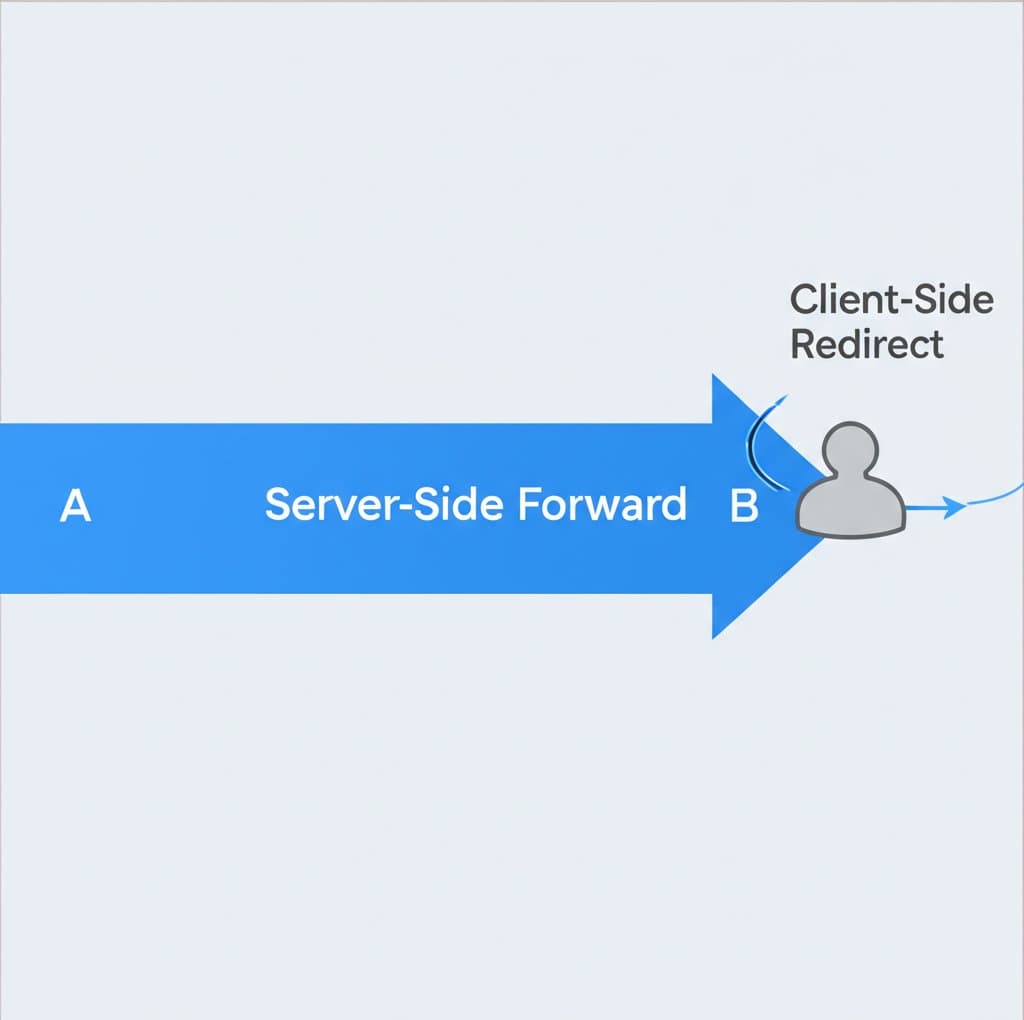
An HTTPS 301 redirect is a server-side instruction indicating that a web page has permanently moved to a new URL. It's a critical tool for search engine optimization (SEO) and website management. Its primary function is to automatically forward users and search engine crawlers to the correct new address while transferring the original page's ranking authority, a process essential when migrating a site from HTTP to the more secure HTTPS protocol.
Understanding the 301 'Moved Permanently' Redirect
The HTTP 301 status code, officially named "Moved Permanently," is a server's definitive response when a requested resource has been assigned a new, permanent URL. When a browser or search engine crawler requests an old address, the server sends back this 301 code along with the new location in the HTTP `Location` header. As explained by authoritative sources like Mozilla Developer Network, this process is seamless for the user, as the browser automatically redirects to the new page.
This redirection is not just a simple forwarding mechanism; it carries significant weight for SEO. Unlike temporary redirects, a 301 tells search engines like Google that the move is permanent. Consequently, search engines transfer the ranking signals—often called "link juice" or link equity—from the old URL to the new one. This ensures that the authority and search rankings built up by the original page are not lost during a site restructure or migration. As noted in guides from IONOS, this preservation of SEO value is the primary reason 301 redirects are a best practice for permanent URL changes.
From a technical standpoint, the client (browser or bot) receives the 301 response, caches the new URL, and for subsequent requests, it will often go directly to the new address without querying the old one. This makes the process efficient and prevents users and crawlers from repeatedly hitting an outdated link. The permanence of this instruction is what distinguishes it from other redirect types and makes it the standard for any lasting changes to a website's URL structure.
Key Use Cases: When to Implement a 301 Redirect
Implementing a 301 redirect is crucial in several common scenarios to maintain a healthy website structure, preserve SEO value, and provide a seamless user experience. The most critical application today is the migration from an insecure HTTP connection to a secure HTTPS one. Forcing all traffic to the HTTPS version of your site is a standard security practice that also boosts user trust and can positively impact search rankings. A 301 redirect ensures that any user or crawler trying to access `http://www.example.com` is permanently sent to `https://www.example.com`.
Another primary use case is when a website moves to a new domain name. A comprehensive set of page-to-page 301 redirects from the old domain to the new one is essential to guide users and transfer the old site's established authority. Similarly, when restructuring a website's architecture, URLs often change. For instance, if you change `/blog/my-post/` to `/articles/my-post/`, a 301 redirect is necessary to prevent broken links and guide traffic to the new location without losing SEO momentum.
Consolidating content to avoid duplicate content issues is another vital application. Websites can sometimes be accessed via multiple URL variations (e.g., with and without the `www.` prefix). A 301 redirect should be used to enforce a single, canonical version of the URL, ensuring that search engines only index one definitive page. This practice centralizes link equity and prevents SEO penalties. According to Network Solutions, this is a key strategy for effective URL forwarding.
Here is a summary of the most important scenarios for using a 301 redirect:
- Migrating from HTTP to HTTPS: To enforce a secure connection across your entire site.
- Changing Domain Names: To seamlessly transfer all traffic and SEO authority from an old domain to a new one.
- Restructuring Website URLs: To update links when page paths are changed for better organization or SEO.
- Enforcing a Canonical Domain: To resolve `www` vs. non-`www` or `index.html` duplicate content issues.
- Merging or Consolidating Content: To combine multiple similar pages into a single, stronger page and redirect the old URLs.
- Fixing Broken Links: To redirect traffic from deleted or moved pages to relevant, live content, avoiding 404 errors.

How to Implement 301 Redirects: Server-Side Code Examples
Implementing a 301 redirect is a server-side task, meaning the instruction is configured directly on the web server. The method varies depending on the server software you use, with Apache and Nginx being the most common. Providing the correct instruction ensures that redirects are processed efficiently and correctly by both browsers and search engine crawlers.
For websites running on an Apache server, redirects are typically configured in the `.htaccess` file, a configuration file located in the site's root directory. The `mod_alias` module provides a simple directive for basic redirects. To redirect a single page, you would add the following line:
Redirect 301 /old-page.html https://www.example.com/new-page.htmlFor more complex patterns, such as forcing HTTPS and a `www` prefix, the `mod_rewrite` module is used. This offers more flexibility through conditional rules, as shown in documentation from sources like Wikipedia:
RewriteEngine On
RewriteCond %{HTTPS} off
RewriteRule (.*) https://%{HTTP_HOST}%{REQUEST_URI} [R=301,L]
For websites on an Nginx server, the configuration is handled within the `server` block of the `nginx.conf` file or a site-specific configuration file. To implement a permanent redirect for an entire site to its HTTPS version, you can create a server block that catches all HTTP traffic and returns a 301:
server {
    listen 80;
    server_name example.com www.example.com;
    return 301 https://www.example.com$request_uri;
}
Redirects can also be implemented at the application level using scripting languages. For example, in PHP, you can use the `header()` function to send the appropriate HTTP status codes and location header. It is critical to place this code before any HTML output is generated:
<?php
header("HTTP/1.1 301 Moved Permanently");
header("Location: https://www.example.com/new-page.php");
exit();
?>
301 vs. Other Redirects: Choosing the Right Status Code (302, 307, 308)
Choosing the correct HTTP redirect status code is essential for both SEO and proper browser behavior. While a 301 signifies a permanent move, other codes are designed for temporary situations or specific technical requirements. Using the wrong type can lead to indexing problems and a loss of link equity. The primary distinction lies in permanence and how the request method (e.g., GET, POST) is handled during the redirect.
A 301 (Moved Permanently) redirect should be used when a URL change is final. It instructs search engines to update their index and transfer all ranking value to the new URL. In contrast, a 302 (Found) or 307 (Temporary Redirect) should be used for short-term changes, such as A/B testing, promotional pages, or when a page is temporarily unavailable. These codes tell search engines to keep the original URL indexed because it will be valid again in the future.
A key technical difference, highlighted in Google's documentation, involves the handling of the request method. Historically, browsers would sometimes change a POST request to a GET request when following a 301 or 302 redirect. To address this ambiguity, HTTP/1.1 introduced more specific codes. A 308 (Permanent Redirect) is the strict equivalent of a 301, but it guarantees that the request method will not be changed. Similarly, a 307 (Temporary Redirect) is the strict equivalent of a 302, ensuring the method is preserved. This is particularly important for API endpoints or forms that rely on POST data.
The following table provides a clear comparison to help you choose the correct status code:
| Status Code | Name | Permanence | SEO Signal | When to Use |
|---|---|---|---|---|
| 301 | Moved Permanently | Permanent | Transfers link equity | Permanent site moves, HTTPS migration, URL restructuring. |
| 302 | Found | Temporary | Does not transfer link equity | Temporarily unavailable pages, A/B testing, geo-targeting. |
| 307 | Temporary Redirect | Temporary | Does not transfer link equity | Same as 302, but guarantees the request method is not changed. |
| 308 | Permanent Redirect | Permanent | Transfers link equity | Same as 301, but guarantees the request method is not changed (e.g., for API endpoints). |
Best Practices and Troubleshooting Common 301 Redirect Issues
Properly managing 301 redirects is crucial for maintaining a healthy site architecture and strong SEO performance. Incorrect implementation can lead to significant problems, such as poor user experience, wasted crawl budget, and diluted ranking signals. One of the most common issues to avoid is creating redirect chains, where one URL redirects to another, which then redirects to a third, and so on. Each redirect in the chain adds latency, slowing down page load times for users and consuming valuable crawl budget from search engines.
The solution to redirect chains is to audit your redirects and update them to point directly to the final destination URL. For example, if Page A redirects to Page B, and Page B redirects to Page C, you should modify the rule for Page A to redirect straight to Page C. This creates a cleaner, more efficient path for both users and crawlers. Tools like cURL or online redirect checkers can help you identify these chains.
An even more severe issue is a redirect loop, which occurs when a URL redirects to another URL that, in turn, redirects back to the original. This creates an infinite loop that prevents the page from ever loading, resulting in a browser error like `ERR_TOO_MANY_REDIRECTS`. These loops are highly detrimental to user experience and can cause search engines to stop crawling the affected URLs altogether. Careful testing after implementing redirect rules is essential to prevent loops.
To ensure your 301 redirects are effective and problem-free, follow these best practices:
- Audit Redirects Regularly: Periodically check your site for redirect chains and loops, especially after a site migration or major content update.
- Update Sitemaps and Internal Links: After implementing 301 redirects, update your XML sitemap and internal links to point directly to the new URLs. This helps search engines discover the new pages faster.
- Ensure Target URLs are Live: Always redirect to a live page that returns a 200 (OK) status code. Redirecting to a page that is broken (404) or redirects elsewhere perpetuates the problem.
- Redirect to Relevant Pages: Ensure that the new page is a relevant replacement for the old one. Redirecting to an irrelevant page, like the homepage, can be seen as a soft 404 by Google and may not pass link equity.
- Be Mindful of Caching: Since 301 redirects are cached by browsers, a mistake can be persistent. When testing, it's often better to use a temporary (302) redirect first, then switch to a 301 once you've confirmed everything works correctly.

Frequently Asked Questions
1. How do you solve 301 redirect issues?
Solving 301 redirect issues typically involves identifying and fixing common problems like redirect chains and loops. First, use a crawler tool or a server log analyzer to identify chains (e.g., URL A -> URL B -> URL C) and update the initial redirect to point directly to the final destination (URL A -> URL C). To fix redirect loops (URL A -> URL B -> URL A), you must correct the misconfigured server rule (e.g., in your `.htaccess` file) that is causing the circular reference. Always ensure the target URL is correct, live (returns a 200 OK status), and that your site's canonical tags align with the redirect targets.
2. What is the difference between 301, 302, 307, and 308 redirects?
The main difference lies in permanence and how they handle request methods. A 301 is a permanent redirect that passes SEO value and is best for permanent URL changes. A 302 is a temporary redirect that does not pass SEO value, used for short-term moves. The 307 is also a temporary redirect but, unlike the 302, it guarantees the original request method (e.g., POST) is preserved. The 308 is a permanent redirect, like the 301, but it also guarantees the request method is preserved, making it ideal for permanently moving API endpoints or form handlers.