TL;DR
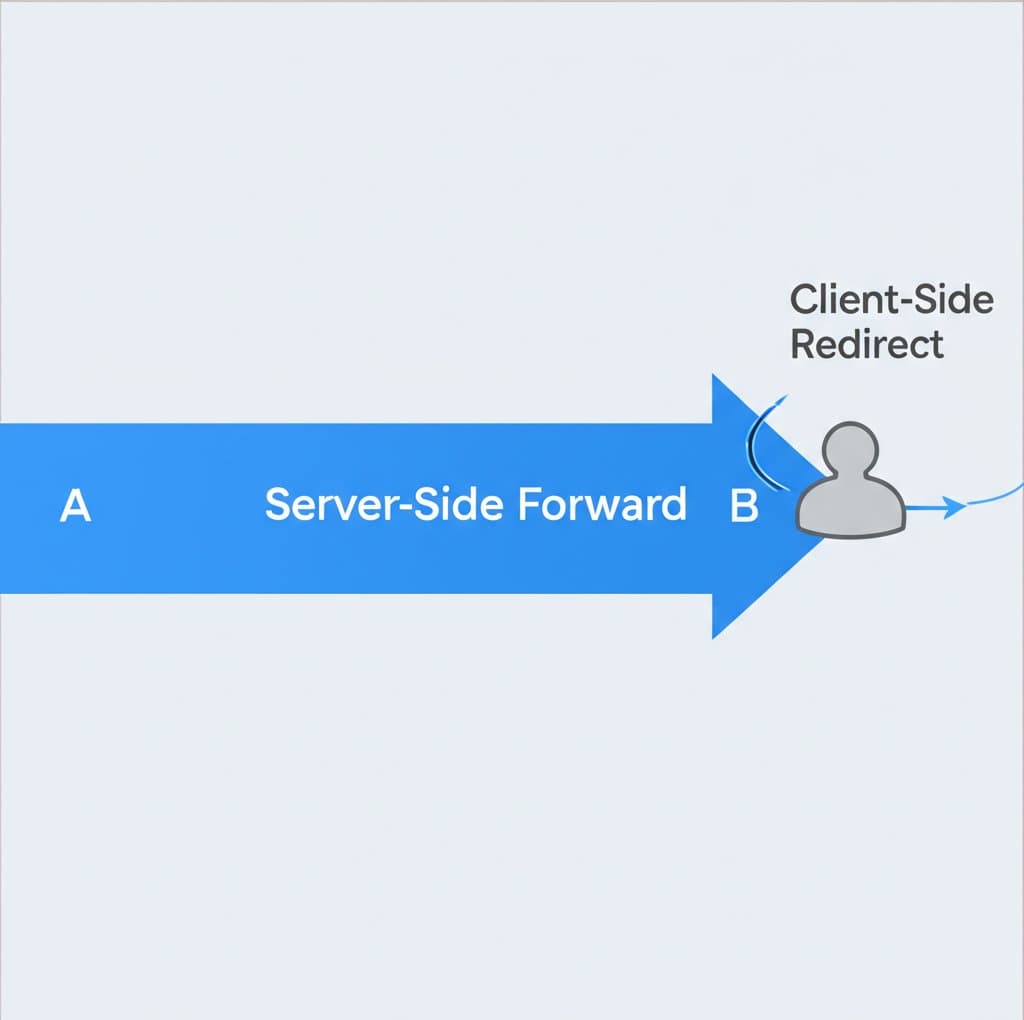
The HTTP 400 Bad Request error is a client-side status code, which means the problem originates from your device or browser, not the website's server. It indicates the server could not understand or process a request due to an issue like a malformed URL, invalid syntax, or corrupted browser data. Common fixes include double-checking the URL for typos, clearing your browser's cache and cookies, and flushing your DNS cache.
What Is an HTTP 400 Bad Request Error?
When you encounter an HTTP 400 Bad Request, it's the server's way of telling you that the request it received from your browser was flawed or corrupt, and therefore it could not process it. According to Mozilla's developer documentation, this error is due to something perceived as a client error, such as malformed request syntax, invalid request message framing, or deceptive request routing. In simple terms, your browser sent a message that the server couldn't understand.
This error is part of the 4xx class of status codes, which all signify client-side issues. This distinguishes it from 5xx errors (like the 502 Bad Gateway), which indicate a problem with the server itself. While the error page might look different depending on your browser—sometimes appearing as a blank page—the underlying issue is that the request from your end didn't follow the expected rules of the HTTP protocol.
Understanding that it's a client-side error is the first step in troubleshooting. The responsibility for the fix usually lies with the user, not the website owner. The server is simply rejecting a request it considers invalid, protecting itself from potentially problematic or malformed input.
Common Causes of a 400 Bad Request
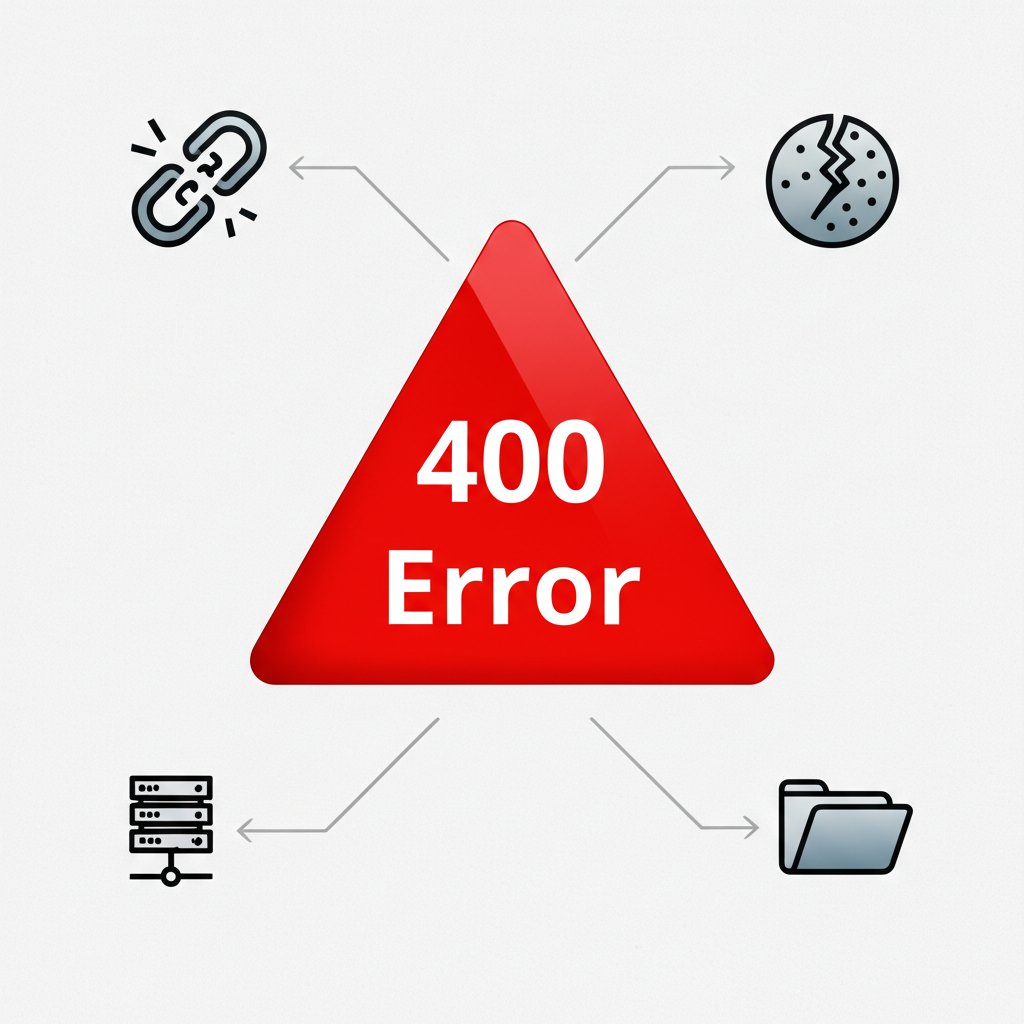
Several distinct issues on the client-side can trigger a 400 Bad Request error. Identifying the specific cause can help you resolve it more quickly. Here are the most frequent culprits:
- URL String Syntax Error: This is one of the most common causes. A URL might be mistyped or contain illegal characters. For example, a URL with incorrectly encoded characters, such as using `%%20` instead of the correct `%20` for a space, can be rejected by the server. As noted in a guide by Kinsta, even an unallowed character like a `{` can trigger the error.
- Corrupted Browser Cache & Cookies: Your browser stores data like cache and cookies to speed up loading times on future visits. However, if this data becomes outdated or corrupted, it can conflict with the live website. Expired or malformed cookies, especially those used for login authentication, are a frequent source of 400 errors.
- DNS Lookup Cache: Similar to the browser cache, your operating system stores DNS information to quickly resolve domain names to IP addresses. If this local DNS cache is out of sync with the actual DNS records for the site, it can lead to connection failures, including a 400 error.
- File Size Too Large: Many servers have a limit on the size of files that can be uploaded. If you try to upload a file—such as an image, video, or document—that exceeds this limit, the server will reject the request and may respond with a 400 error.
- Faulty Browser Extensions: Some browser extensions can interfere with how your browser sends requests or manages cookies. An extension might modify request headers in a way that the server deems invalid, leading to a 400 Bad Request.
How to Fix the 400 Bad Request Error (Step-by-Step)
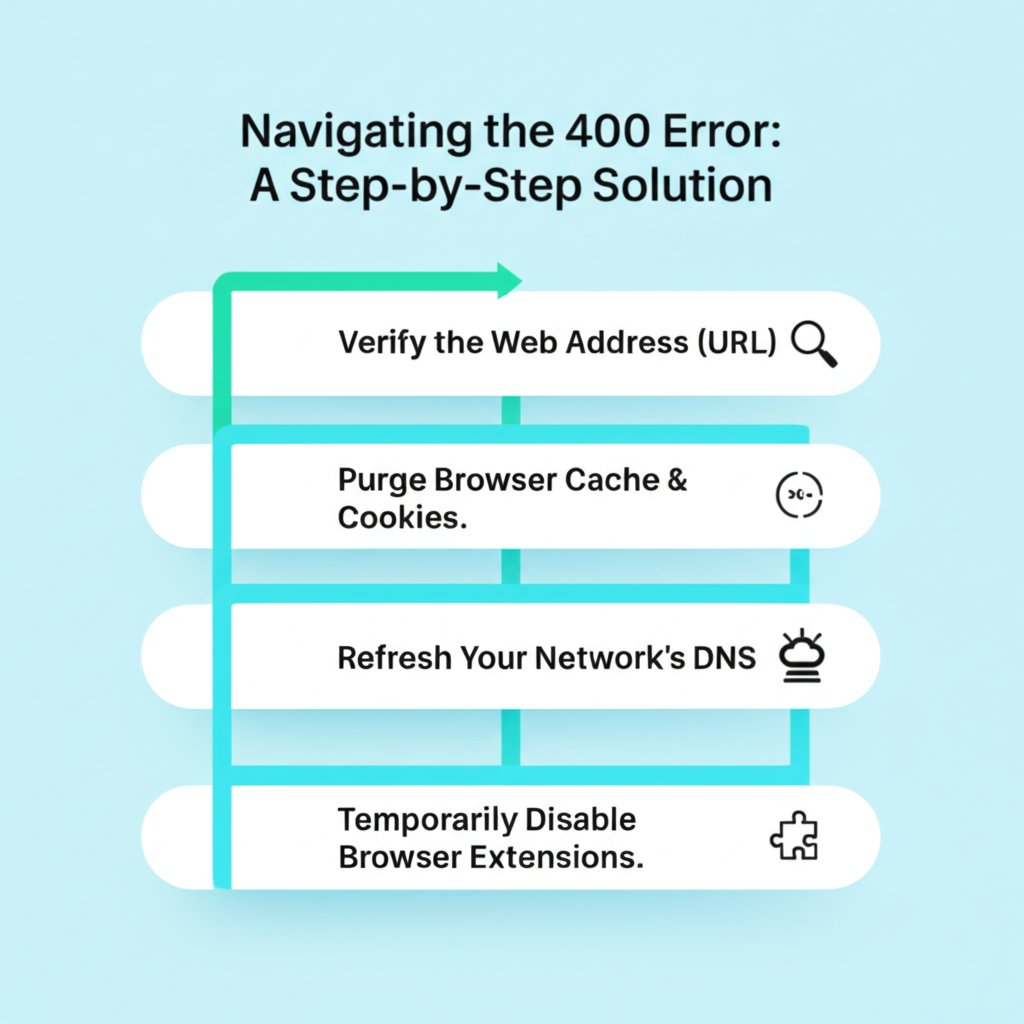
Since the 400 error is a client-side issue, you can usually solve it by following a few troubleshooting steps. Here is a practical, step-by-step guide to resolving the problem.
- Check the URL for Errors: The simplest fix is often the right one. Carefully examine the URL in your browser's address bar. Look for typos, extra spaces, or illegal characters that shouldn't be there. If the URL is long or complex, consider using an online URL decoder to ensure it's formatted correctly.
- Clear Your Browser Cache and Cookies: Corrupted data is a primary cause of this error. Clearing your browser's cache and cookies removes outdated information that might be causing the conflict. This option is available in your browser's settings, typically under 'Privacy and Security' or 'History'. Be sure to select 'All time' for the time range to ensure all problematic data is removed.
- Flush Your DNS Cache: If outdated DNS records are the problem, you'll need to clear your operating system's DNS cache. This forces your computer to fetch the latest DNS information for the website. The command for this varies by OS: on Windows, you can use `ipconfig /flushdns` in the Command Prompt, while on macOS, you would use a command like `sudo dscacheutil -flushcache; sudo killall -HUP mDNSResponder` in the Terminal.
- Check Uploaded File Size: If the error occurred while uploading a file, check if the file is too large. Try uploading a much smaller file to see if it works. If it does, your original file likely exceeds the server's upload limit. You may need to compress the file before trying again.
- Deactivate Browser Extensions: To rule out interference from extensions, try disabling them. You can do this in your browser's extension management page. Disable them all and try accessing the site. If the error disappears, re-enable them one by one to identify which extension is causing the issue.
The 400 Error in APIs and Development
For developers and those working with APIs, the 400 Bad Request status code is not just an error—it's a useful tool for communication. In an API context, a 400 error is often a deliberate response from the server indicating that the client's request is invalid. This could be due to malformed JSON, missing required parameters, or invalid data formats. It tells the developer that they need to fix the request before sending it again.
It's important to distinguish the 400 error from other related 4xx status codes, as each provides specific information about the nature of the failure.
| Status Code | Name | Meaning |
|---|---|---|
| 400 Bad Request | Bad Request | A general client-side error. The server cannot process the request because the request itself has a syntax error or is malformed. |
| 401 Unauthorized | Unauthorized | The request is valid, but the client lacks the necessary authentication credentials. The user needs to log in or provide a valid API key. |
| 422 Unprocessable Content | Unprocessable Content | The server understands the request's syntax and content type, but it cannot process the instructions contained within it due to semantic errors. For example, the data fails a validation rule (e.g., an email address is missing an '@' symbol). |
Understanding these distinctions is crucial for debugging. A 400 error points to a problem with the structure of the request itself, while a 422 points to a problem with the data inside an otherwise well-formed request. A 401, on the other hand, is purely an authentication issue.
Moving Forward: Proactive Website Management
Successfully troubleshooting an HTTP 400 error reinforces the importance of maintaining a clean and efficient digital environment, both as a user and a site owner. By regularly clearing cache and ensuring requests are well-formed, you can prevent many common web-browsing frustrations. For website managers, understanding these client-side errors helps in providing better support to users and ensuring smoother interactions with APIs and backend services. Just as technical health is crucial, so is content quality. Marketers and creators can revolutionize their content workflow with tools designed for efficiency. For instance, BlogSpark offers an AI-powered platform that transforms ideas into SEO-optimized articles, helping you scale your content output while maintaining high standards.
Frequently Asked Questions
1. What is the difference between an HTTP 400 and 422 error?
A 400 Bad Request error is a general error indicating that the server found the client's request to be malformed or invalid in its syntax. In contrast, a 422 Unprocessable Content error is more specific. It means the server understands the request's structure but cannot process it due to semantic errors in the content, such as failed data validation.
2. What is the difference between an HTTP 400 and 401 error?
A 400 Bad Request means the request itself is flawed (e.g., bad syntax). A 401 Unauthorized error means the request is syntactically correct, but the client has not provided valid authentication credentials to access the protected resource. In short, 400 is about an invalid request, while 401 is about missing or incorrect permissions.
3. Can a server issue cause a 400 error?
While the HTTP 400 error is officially classified as a client-side error, it can, in rare cases, be triggered by a misconfigured server. For example, a server might have overly strict request-parsing rules that incorrectly flag legitimate requests as bad. However, in the vast majority of cases, the problem originates from the client's end.